T-shirt design size chart by Merch product
Amazon Merch on Demand groups products by artwork size. Every file is a PNG with a transparent background, in sRGB, under 25 MB, made at 300 DPI. The inches below are the file at 300 DPI. On some products, such as posters, the printed size differs from that.
| Product | Pixels (width × height) | Inches at 300 DPI |
|---|---|---|
| T-shirt (front) | 4,500 × 5,400 | 15 × 18 |
| T-shirt (back) | 4,500 × 5,400 | 15 × 18 |
| Value T-shirt (front) | 4,500 × 5,400 | 15 × 18 |
| Value T-shirt (back) | 4,500 × 5,400 | 15 × 18 |
| Women's V-neck T-shirt (front) | 4,500 × 5,400 | 15 × 18 |
| Women's V-neck T-shirt (back) | 4,500 × 5,400 | 15 × 18 |
| Raglan (front) | 4,500 × 5,400 | 15 × 18 |
| Raglan (back) | 4,500 × 5,400 | 15 × 18 |
| Tank top (front) | 4,500 × 5,400 | 15 × 18 |
| Tank top (back) | 4,500 × 5,400 | 15 × 18 |
| Long sleeve T-shirt (front) | 4,500 × 5,400 | 15 × 18 |
| Long sleeve T-shirt (back) | 4,500 × 5,400 | 15 × 18 |
| Crewneck sweatshirt (front) | 4,500 × 5,400 | 15 × 18 |
| Crewneck sweatshirt (back) | 4,500 × 5,400 | 15 × 18 |
| Pullover hoodie (front) | 4,500 × 4,050 | 15 × 13.5 |
| Pullover hoodie (back) | 4,500 × 5,400 | 15 × 18 |
| Zip hoodie (front) | 4,500 × 4,050 | 15 × 13.5 |
| Zip hoodie (back) | 4,500 × 5,400 | 15 × 18 |
| Crop top (front) | 4,500 × 4,050 | 15 × 13.5 |
| Crop top (back) | 4,500 × 4,050 | 15 × 13.5 |
| Crop sweatshirt (front) | 4,500 × 4,050 | 15 × 13.5 |
| Crop sweatshirt (back) | 4,500 × 4,050 | 15 × 13.5 |
| Youth hoodie (front) | 3,330 × 2,997 | 11.1 × 9.99 |
| Youth hoodie (back) | 3,450 × 4,140 | 11.5 × 13.8 |
| Performance polo | 1,200 × 1,200 | 4 × 4 |
| Performance quarter-zip | 1,200 × 1,200 | 4 × 4 |
| Soft shell jacket | 1,200 × 1,200 | 4 × 4 |
| Printed baseball hat, trucker hat, sun visor | 1,500 × 675 | 5 × 2.25 |
| Sport backpack | 1,200 × 1,200 | 4 × 4 |
| Crossbody bag | 1,200 × 750 | 4 × 2.5 |
| Tote bag | 2,925 × 2,925 | 9.75 × 9.75 |
| PopSockets grip | 485 × 485 | 1.62 × 1.62 |
| iPhone case | 1,800 × 3,200 | 6 × 10.67 |
| Tumbler and water bottle | 3,000 × 1,400 | 10 × 4.67 |
| Travel tumbler (40 oz) | 3,213 × 1,571 | 10.71 × 5.24 |
| Mug | 2,700 × 1,050 | 9 × 3.5 |
| Throw pillow (16 and 18 in) | 2,925 × 2,925 | 9.75 × 9.75 |
| Throw blanket (45 × 55 in) (portrait) | 13,500 × 16,500 | 45 × 55 |
| Throw blanket (45 × 55 in) (landscape) | 16,500 × 13,500 | 55 × 45 |
| Sherpa blanket (45 × 55 in) (portrait) | 3,240 × 3,960 | 10.8 × 13.2 |
| Sherpa blanket (45 × 55 in) (landscape) | 3,960 × 3,240 | 13.2 × 10.8 |
| Hardcover journal | 1,050 × 1,950 | 3.5 × 6.5 |
| 12-pack retractable pens | 850 × 75 | 2.83 × 0.25 |
| Mousepad | 2,400 × 1,950 | 8 × 6.5 |
| Laptop sleeve (13 in) | 2,250 × 1,725 | 7.5 × 5.75 |
| Laptop sleeve (15 in) | 4,650 × 3,600 | 15.5 × 12 |
| Poster (8 × 10 in) | 2,100 × 2,700 | 7 × 9 |
| Poster (16 × 20 in) | 4,200 × 5,400 | 14 × 18 |
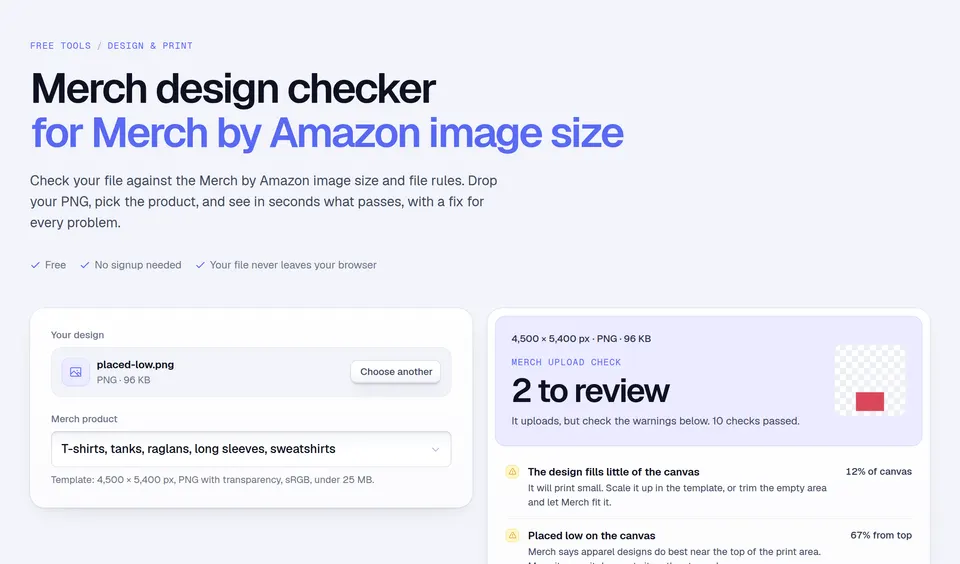
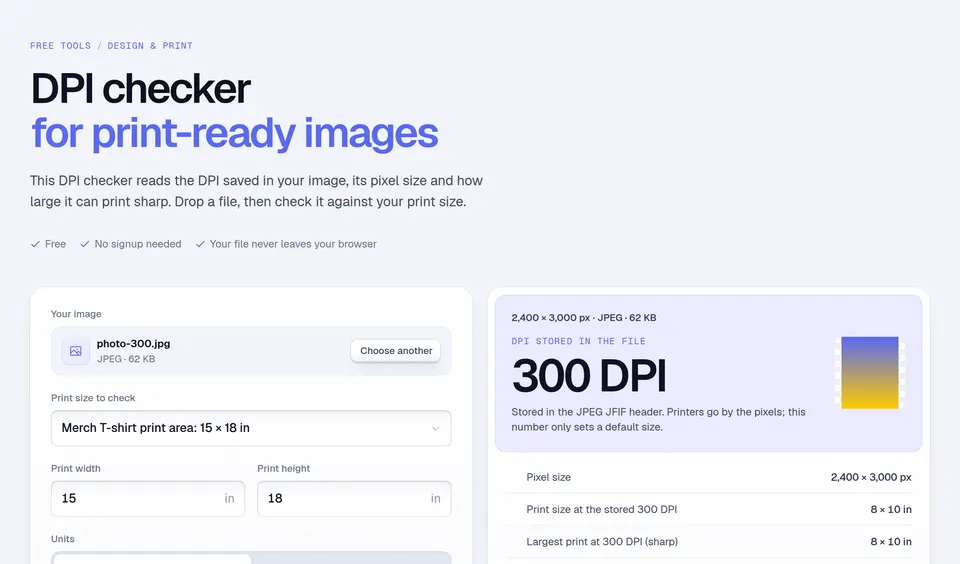
Source: Amazon Merch on Demand product templates and Best Practices, checked on November 14, 2026. Merch's design editor also accepts any artwork larger than 485 × 485 pixels and scales it to each product, but it can only shrink artwork, never enlarge it, so start at the template size. To test a finished file against these sizes and Merch's other file rules, drop it into the Merch by Amazon image size checker.
T-shirt design placement guide
These sizes are common print-shop practice, collected from ScreenPrinting.com and Stahls'. They are not Amazon rules. The pixel column places them in a 4500 × 5400 Merch file, where the front print area starts 1.5 in below the collar and the back 3 in below it.
| Placement | Design width | Below the collar |
|---|---|---|
| Full front (front) | 11–12 in | 3–3.5 in |
| Center chest (front) | 8–10 in | 2.5–3 in |
| Left chest (pocket) (front) | 3.5–4.5 in | 2.5–3 in |
| Back collar (back) | 2.5–3 in | 1–2 in |
| Upper back (back) | 12 in | 4 in |
| Full back (back) | 12–13 in | 3–4 in |
How to use the chart
- Pick the Merch on Demand product. The tool shows the file size Amazon's template uses.
- For shirts and hoodies, pick a placement. The drawing shows the design to scale inside the print area.
- Read the design width and how far down the file it should start, in pixels, and build your PNG to match.
Worked example: a full-front T-shirt design
A print shop would make a full-front design about 11 to 12 in wide, starting 3 to 3.5 in below the collar. Merch's print area starts 1.5 in below the collar, so in the 4500 × 5400 file the design is 3,300 to 3,600 pixels wide and starts 450 to 600 pixels from the top: (3 − 1.5) × 300 = 450. Leave the rest of the file transparent.
Mistakes to avoid
- Filling all 15 inches. Amazon notes that full-width designs often overwhelm buyers; 12 in or less centers better.
- Placing art low in the file. Designs usually do best near the top of the print area, close to the chest.
- Small text on hoodies. Amazon recommends at least 32 pt type and 2 pt lines on T-shirts, and 48 pt and 3 pt on sweatshirts and hoodies.
- Dark gray on black. Colors close to the shirt color may not print as expected.
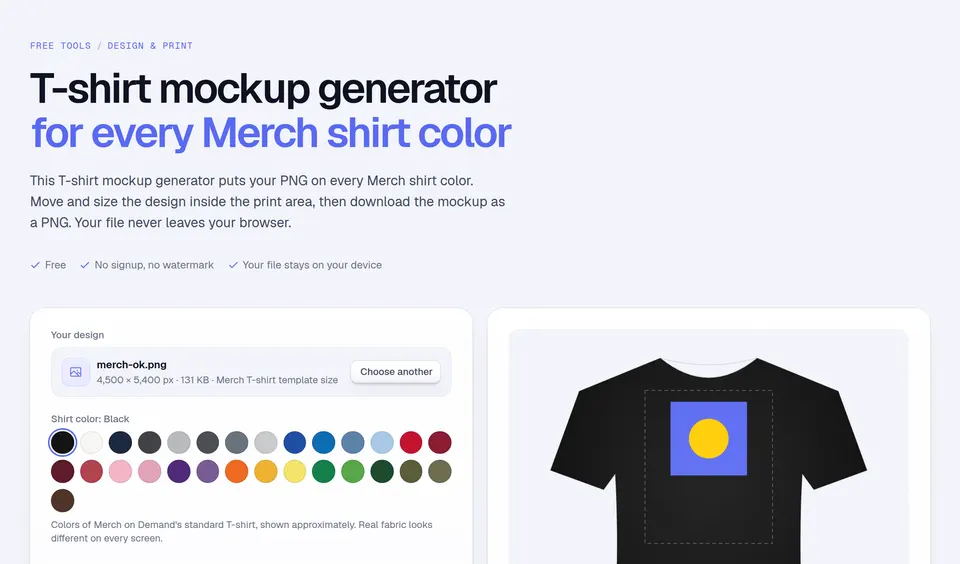
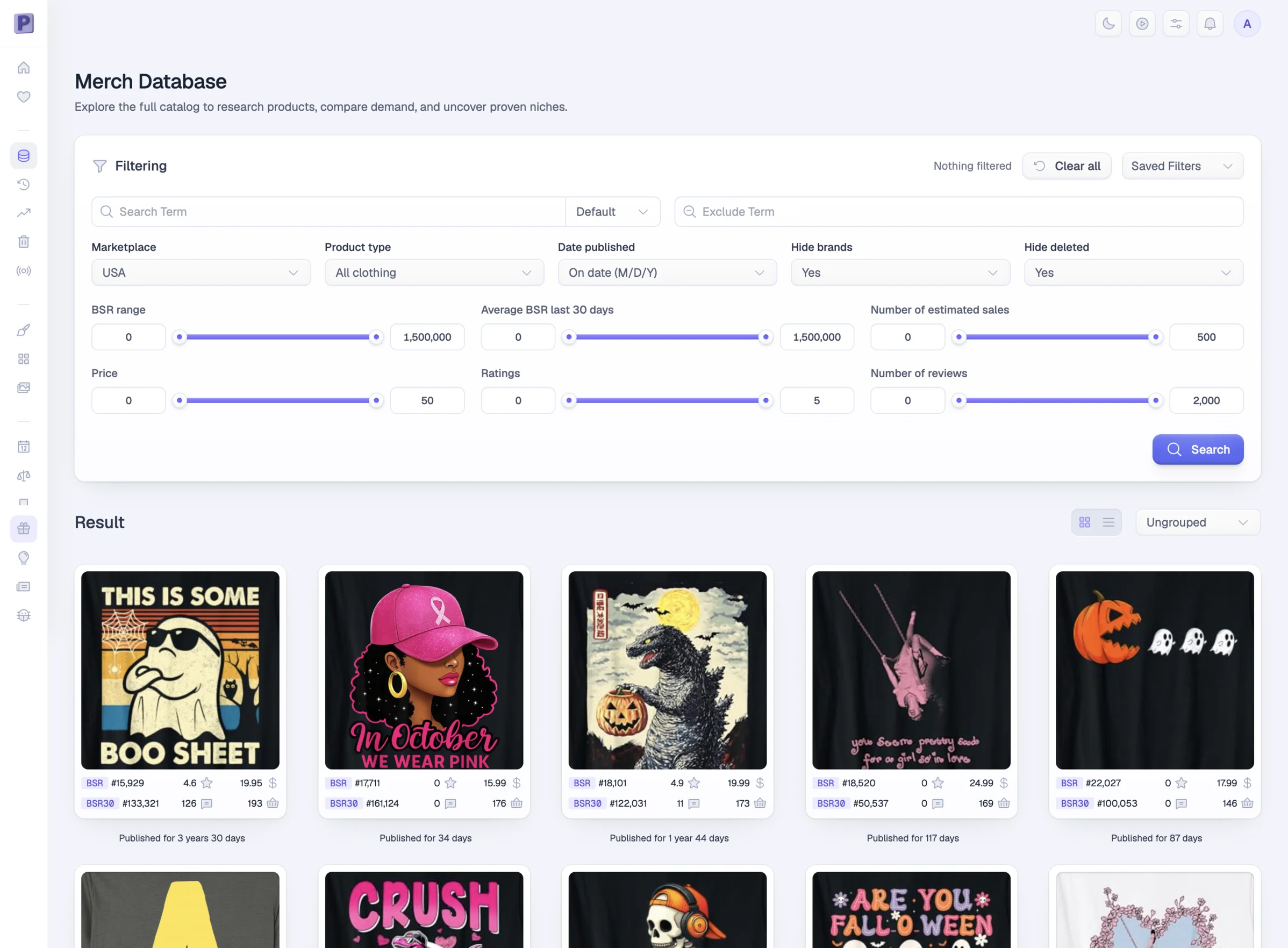
Preview your file on every shirt color with the T-shirt mockup generator. Need design ideas that already sell? See trending T-shirt designs, or create one with Podly Design.
Facts checked and page updated on .