
New Use Podly inside Claude and ChatGPT. Explore Podly MCP →

Podly MCP · AI assistant

Research Amazon Merch. Right inside your AI assistant.

Search products, compare prices and explore sales-rank history in Claude or ChatGPT. Connect Podly, then ask your next question.

Included in Business and Enterprise · Plan limits and design credits apply

Your AI assistant Podly connected

Search Podly for T-shirt ideas in the US.

Podly · Search products
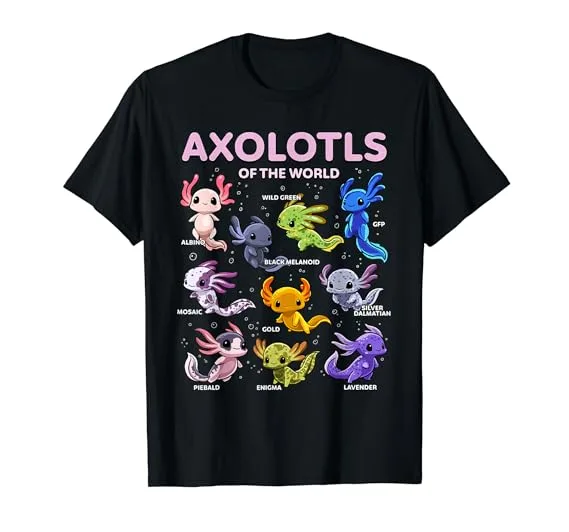
Axolotls of the world T-shirt

Axolotls of the world T-shirt

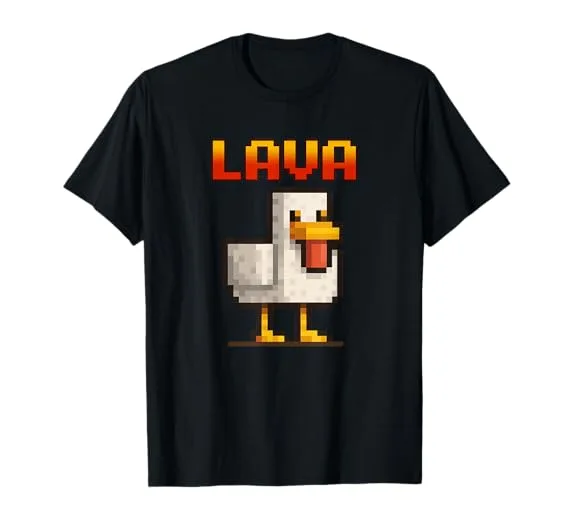
Lava chicken T-shirt

Lava chicken T-shirt

No crying in baseball T-shirt

No crying in baseball T-shirt

Here are three ideas from Podly. Do you want me to compare their prices and sales ranks?

Example conversation with products from Podly. Your assistant’s layout and answers will differ.
Find your starting point

Find products. Just ask.

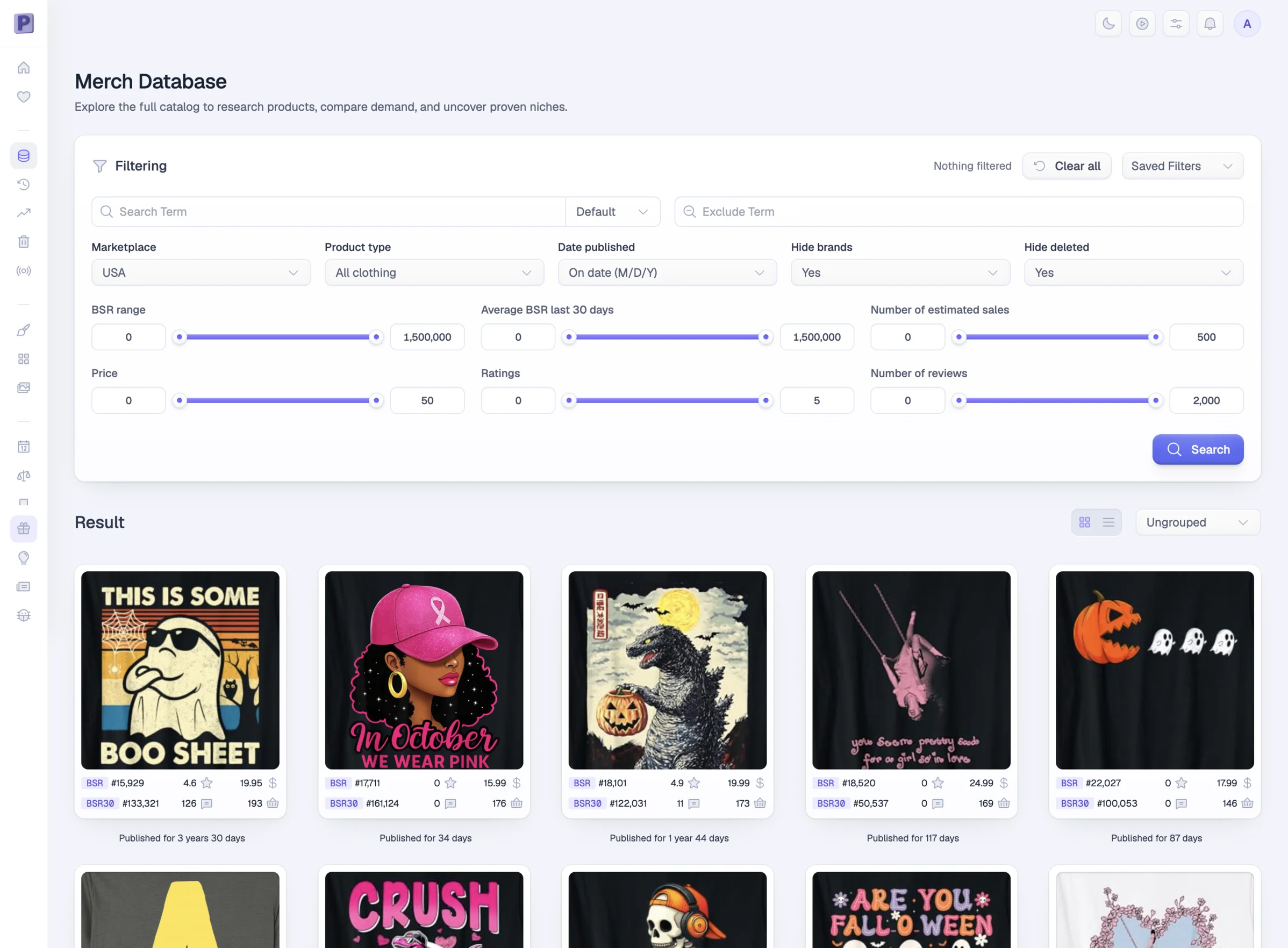
Start with an idea. Search Podly by keyword, marketplace and product type, without leaving your conversation.

Look a little closer

Get the details. No new tab needed.

Ask for a product’s price, sales rank, rating and reviews. Then let your assistant compare it with the others you found.

Show me the details of the Godzilla Halloween shirt.

Podly · Product details
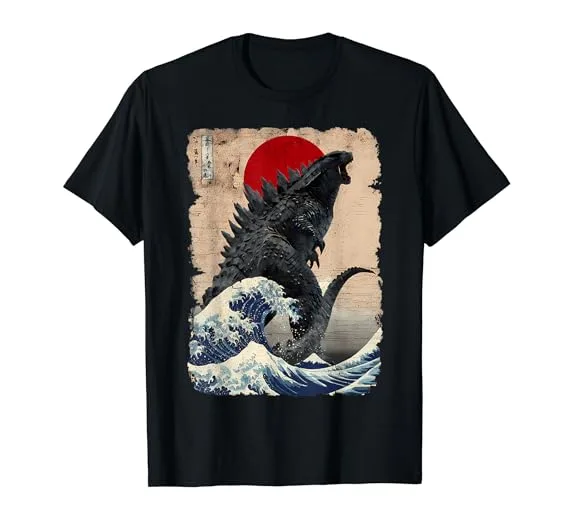
Godzilla holding a pumpkin, from this product’s Podly database record

Godzilla Halloween T-shirt

US · T-shirt
Price
$19.99
Sales rank
#18,101
Rating
4.9 / 5
Reviews
11
Go beyond a snapshot

One rank is a moment. History tells you more.

Follow up with recorded rank and price history. See what changed before you decide which idea to explore.

How did its sales rank change over time?

Podly · Rank & price history
Recorded Podly history from July to October 2023, showing sales-rank changes and a later price increase
July 2023October 2023

Connect Podly. Start asking.

Choose your AI assistant and follow its steps. Then sign in to Podly to approve access.

  • Claude, ChatGPT, Cursor, Claude Code and Codex
  • Research is read-only. Designs use your credits
  • Disconnect any time from Podly Home
Your AI assistant
  1. 1

    Confirm Podly in Claude

    Claude opens with the name and server URL filled in.

    Connect to Claude
  2. 2

    Sign in to Podly

    Approve access with your Business or Enterprise account.

  1. 1

    Turn on developer mode

    In ChatGPT settings. Custom apps need it until Podly is listed.

  2. 2

    Create an app with the server URL

    Paste the URL below and choose OAuth for authentication.

  3. 3

    Sign in to Podly

    Approve access with your Business or Enterprise account.

  1. 1

    Install Podly in Cursor

    Cursor opens its MCP settings with Podly filled in.

    Add to Cursor
  2. 2

    Click Connect next to Podly

    In the same MCP settings.

  3. 3

    Sign in to Podly

    Approve access with your Business or Enterprise account.

  1. 1

    Add Podly in a terminal

    claude mcp add --transport http podly https://app.podly.co/mcp/podly
  2. 2

    Authenticate

    Type /mcp in Claude Code, choose podly, then Authenticate.

  3. 3

    Sign in to Podly

    Approve access with your Business or Enterprise account.

  1. 1

    Add Podly in a terminal

    codex mcp add podly --url https://app.podly.co/mcp/podly
  2. 2

    Start the sign-in

    codex mcp login podly
  3. 3

    Sign in to Podly

    Approve access with your Business or Enterprise account.

  1. 1

    Add a remote MCP server

    Use the URL below, with HTTP transport and OAuth sign-in.

  2. 2

    Sign in to Podly

    Approve access with your Business or Enterprise account.

Server URL
https://app.podly.co/mcp/podly

Questions about Podly MCP.

Something we missed? Send us a message. A human answers.

01 What is Podly MCP?

Podly MCP connects a compatible AI assistant to your Podly product research and to Podly Design. MCP stands for Model Context Protocol: a standard that lets AI tools request data from connected services.

02 Which Podly plan do I need?

Business or Enterprise. Free and Individual do not include MCP. Your plan’s data limits apply, including repeated requests. Check your Podly account for your remaining allowance.

03 Can I use it with Claude or ChatGPT?

Yes, with a compatible account and workspace. Podly includes setup guidance for Claude, ChatGPT, Cursor, Claude Code and Codex. Your AI tool must support remote MCP and Podly sign-in; options depend on the provider and your workspace permissions.

04 Does this include my AI assistant subscription?

No. Podly provides the research data connection. Any subscription or usage charges from your AI provider are separate.

05 Can it create designs?

Yes. Your assistant can use Podly Design with your design credits: create designs from a prompt, remix a template, one of your designs or a Podly product, make a design Merch-ready and download the files. Each action costs the same credits as in the app.

06 Can it publish listings or check trademarks?

No. Publishing, favorites and trademark checks are not part of the MCP connection.

07 Is the data real-time?

It reads the records available in Podly. Search returns a sample of matching products, and records update on their own schedules. Sales figures are estimates, not exact seller revenue or a prediction of future demand.

08 Can I disconnect my AI assistant?

Yes. Open the AI connection card on your Podly Home page to see your connected tools and disconnect a client.

More ways to do your research.

Bring an idea. Start a conversation.

Connect Podly to the AI assistant you already use. Your next research session starts with a question.

Included in Business and Enterprise. AI provider charges are separate.

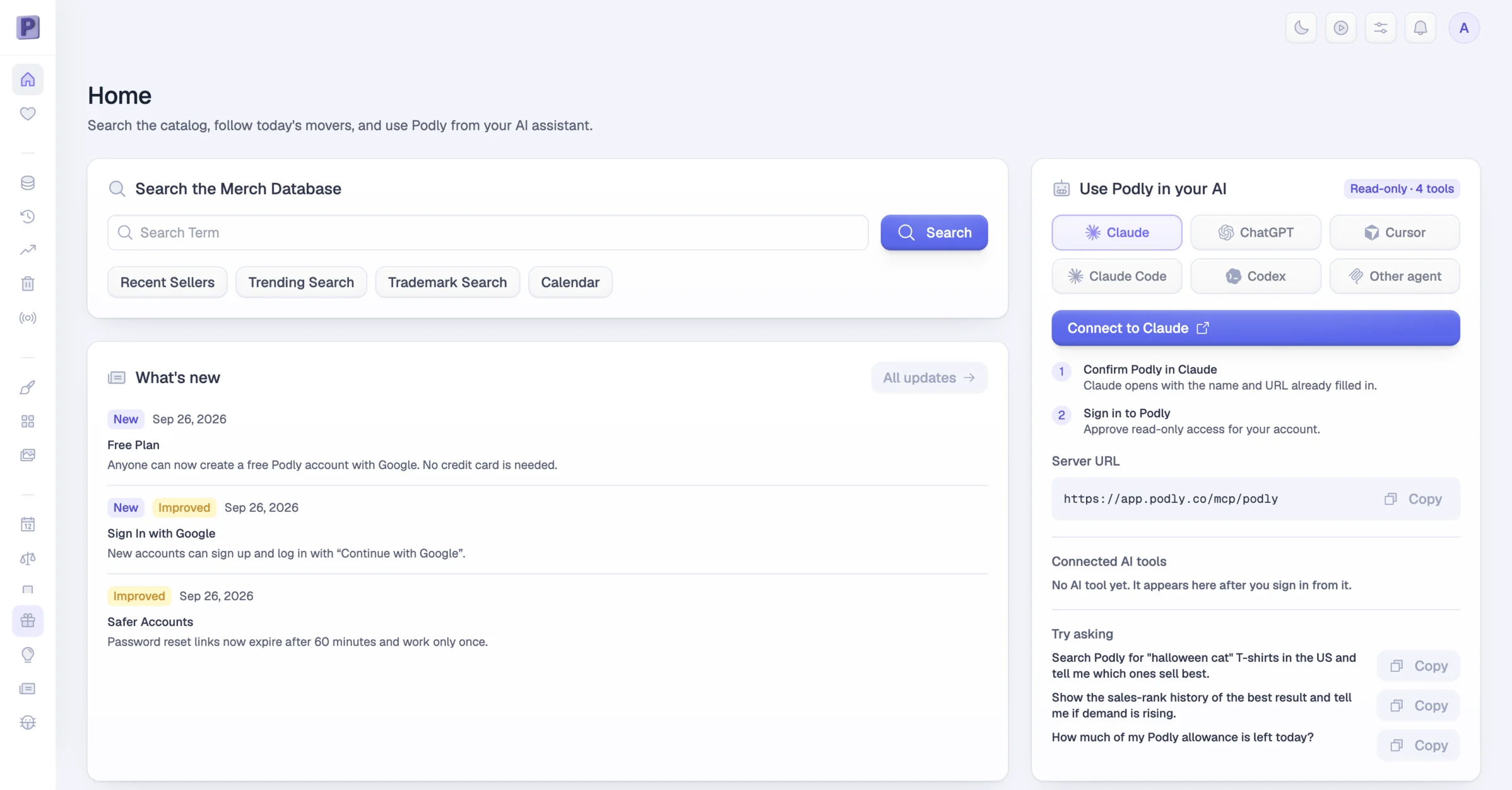
Podly Home with the “Use Podly in your AI” card: choose Claude, ChatGPT, Cursor, Claude Code or Codex, then connect