How to use the DPI calculator
- DPI of my image: enter the image size in pixels and the print size. You get the DPI and a quality verdict.
- Pixels I need: enter the print size and the DPI you want. You get the minimum pixel size of the file.
- Largest print: enter the image size and the DPI. You get the largest print in inches and centimeters.
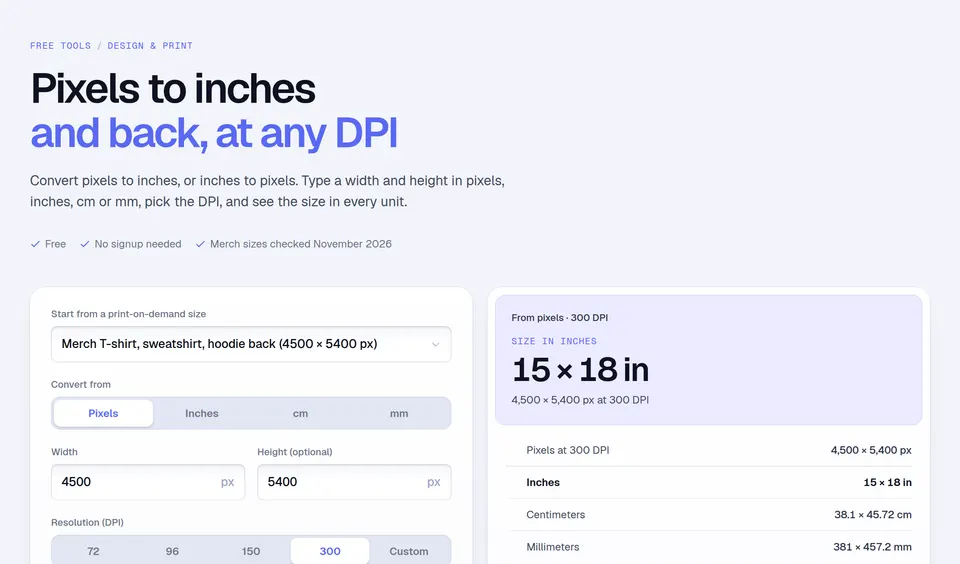
The pixel presets are Amazon's Merch on Demand template sizes, and print sizes work in inches or centimeters. Height is optional when you only care about the width.
What DPI means for print quality
| DPI at print size | Rule of thumb |
|---|---|
| 300 and up | Sharp, even up close: shirts, mugs, small prints |
| 150 to 299 | Fine from a distance: posters, large prints |
| Under 150 | Will look soft: blurry edges and small text |
For Merch on Demand, Amazon's design best practices say to "create the files at 100% of the print dimensions at 300 DPI", and not to scale artwork up unless it is a vector file. The same page notes you can use the full 15-inch width, but a design of 12 inches or less tends to center better on the garment (checked November 14, 2026).
Worked examples
- Merch T-shirt file: 4500 × 5400 px over 15 × 18 in is 4500 ÷ 15 = 300 DPI. Sharp.
- A 3000 × 2000 px photo on a 20 × 10 in print: 150 DPI across the width and 200 across the height. The width limits it: 150 DPI, fine from a distance.
- A 16 × 20 in poster at 300 DPI: 16 × 300 = 4800 by 20 × 300 = 6000 pixels.
Mistakes to avoid
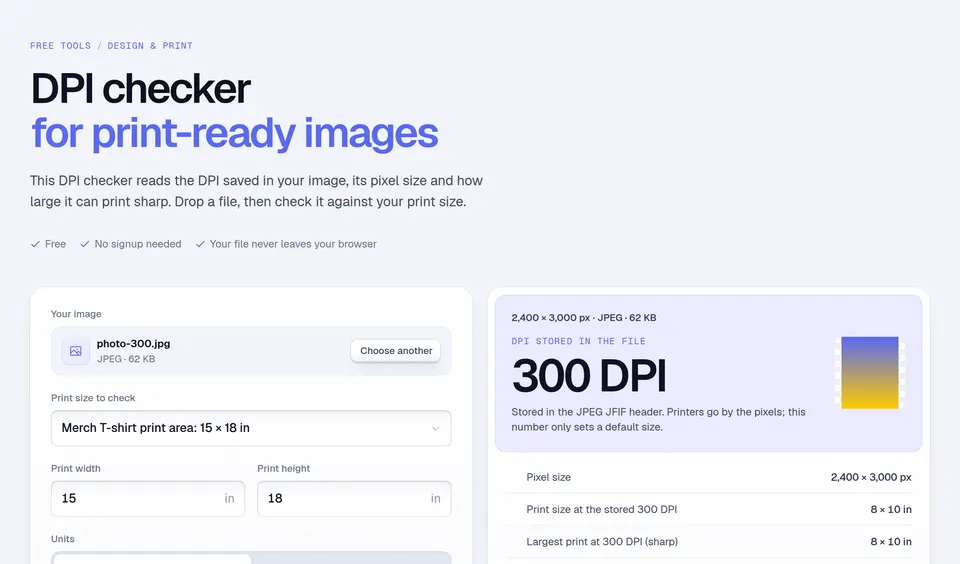
- Changing only the DPI number. Image editors let you set 300 DPI on any file, but that does not add pixels. Check the pixel size.
- Designing small and scaling up. A 1500 px design stretched to 4500 px prints at an effective 100 DPI.
- Forgetting empty space. If your art fills only half of the canvas, it uses half of the pixels. Make the artwork itself large.
Need a quick unit conversion? The pixels to inches converter does pixels, inches, centimeters and millimeters at any DPI. When the file is ready, check the price with the Merch royalty calculator.
Facts checked and page updated on .