New Use Podly inside Claude and ChatGPT. Try it free →
Podly

Amazon Merch keyword tool with free Amazon search suggestions

Use this free Amazon Merch keyword tool to see the phrases shoppers type into Amazon search. Type a niche, pick a marketplace, then filter the long-tail ones, copy them or download a CSV.

  • Free
  • No signup needed
  • Live Amazon suggestions

A word or two about your niche. Amazon suggests what shoppers type after it.

Try:

Free · Amazon search suggestions, no search volume

Your keywords show here

Type a seed keyword and pick a marketplace. You get up to 100 phrases shoppers type into Amazon search.

Where the keywords come from

Podly asks Amazon’s search suggestions, the list that drops down under the search box, for your seed and for your seed followed by each letter from a to z: 27 requests on the marketplace you picked. The answers are merged, duplicates removed, and the seed’s own suggestions come first. Results are kept for 24 hours.

Suggestions reflect what shoppers type, ranked by Amazon. They carry no search volume, competition or sales data, and Amazon can change them at any time.

How to use the Amazon Merch keyword tool

  1. Type a short seed: a niche, a hobby, a job or an occasion (“cat dad”, “nurse”, “fishing”).
  2. Pick the marketplace you sell on. German or Japanese suggestions come from those stores, in their language.
  3. Press Find keywords. The words Amazon adds to your seed are in bold.
  4. Filter the list with a word, or keep only phrases of 3 or 4 words or more.
  5. Copy all, or download a CSV to sort your ideas in a spreadsheet. The CSV asks for your email once.

Why long-tail Amazon keywords work for Merch

A seed like “cat” is searched a lot and sold by thousands of designs. A suggestion like “cat dad shirt for men funny” is typed less often, but by a shopper who knows what they want, and fewer designs target it. Amazon only suggests phrases real shoppers type, so every line in the list is a search that happens. Use the 3+ and 4+ word filters to find these long-tail phrases.

Example: from seed to listing

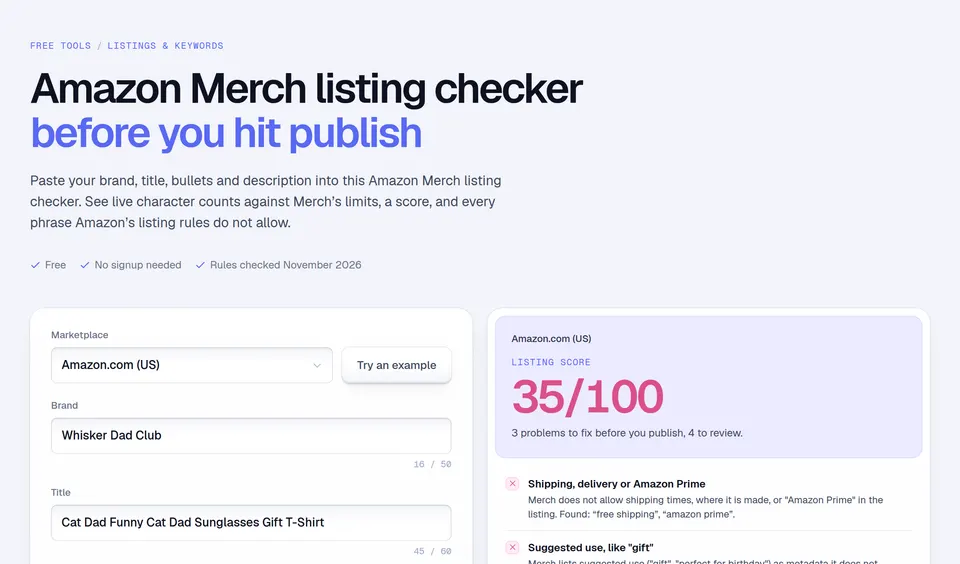
Seed “nurse” on Amazon.com might return “nurse shirt”, “nurse gifts for women” and “nurse life”. “Nurse gifts for women” tells you who buys, but Merch does not allow “gift” wording in a listing, so you keep the audience (“nurse women”) and drop the gift. “Nurse life” suggests a design theme. Put the strongest phrase in your title and the others in your two bullets, written as sentences, then run the text through the Merch listing checker.

Mistakes to avoid

  • Taking a suggestion as proof of demand. Check the products already selling for it, and their sales rank.
  • Using brand names. Suggestions often include brands, shows and teams. Run every phrase through a trademark check.
  • Pasting the whole list into a listing. Merch calls unrelated keywords stuffing and removes the listing.

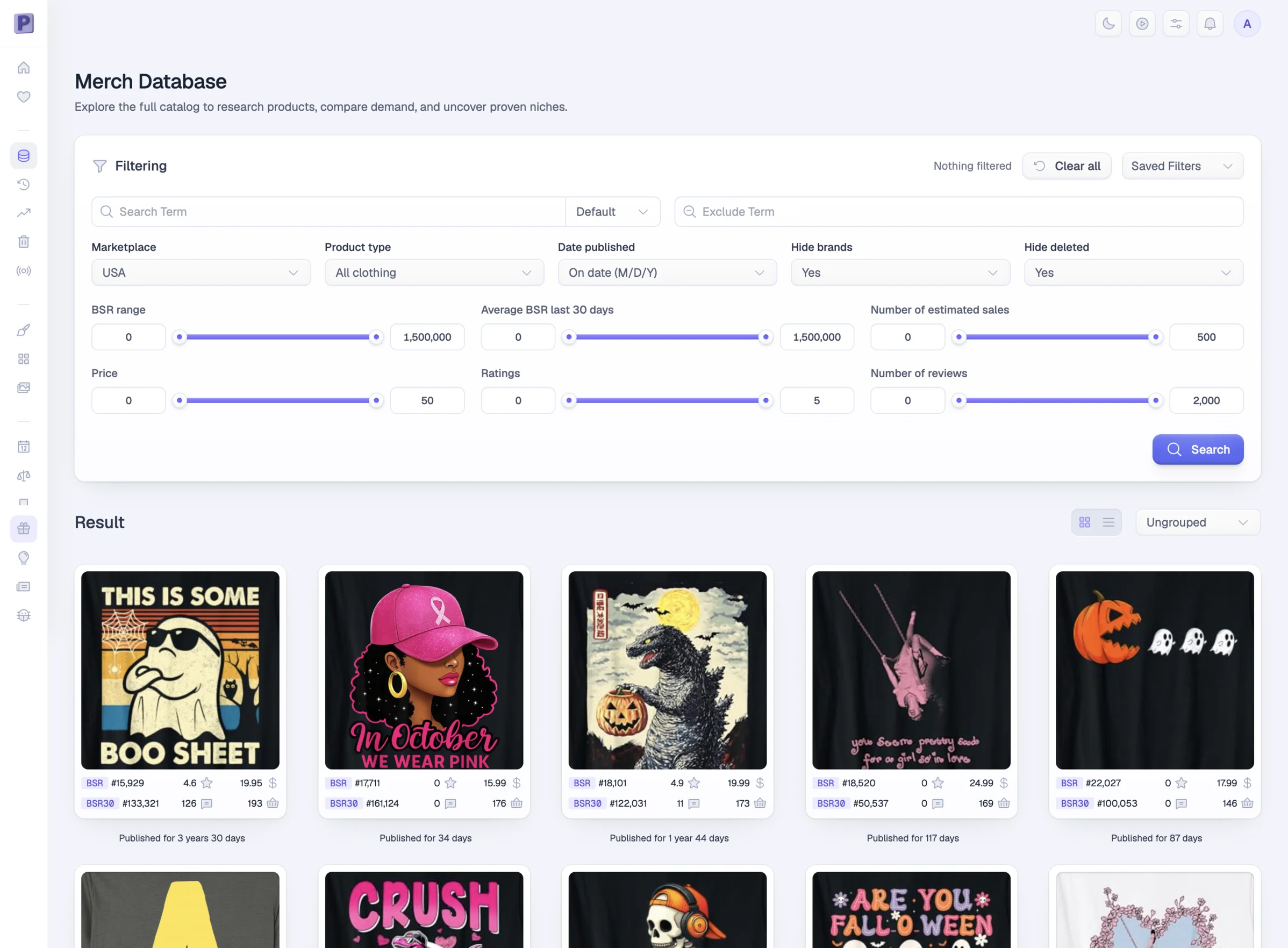
Suggestions tell you what people search; they do not tell you what sells. Podly’s Merch database lets you search 50M+ Merch products by keyword and sort them by Best Sellers Rank and estimated sales. The Amazon Merch keywords guide explains where each phrase goes in a listing.

Facts checked and page updated on .

Amazon keyword questions, answered.

Something we missed? Send us a message. A human answers.

01 Where do these Amazon keywords come from?

From Amazon’s own search box. When shoppers type, Amazon suggests the searches that complete their words. The tool asks for your seed and for your seed plus each letter from a to z, then lists the unique suggestions.

02 Does the tool show search volume?

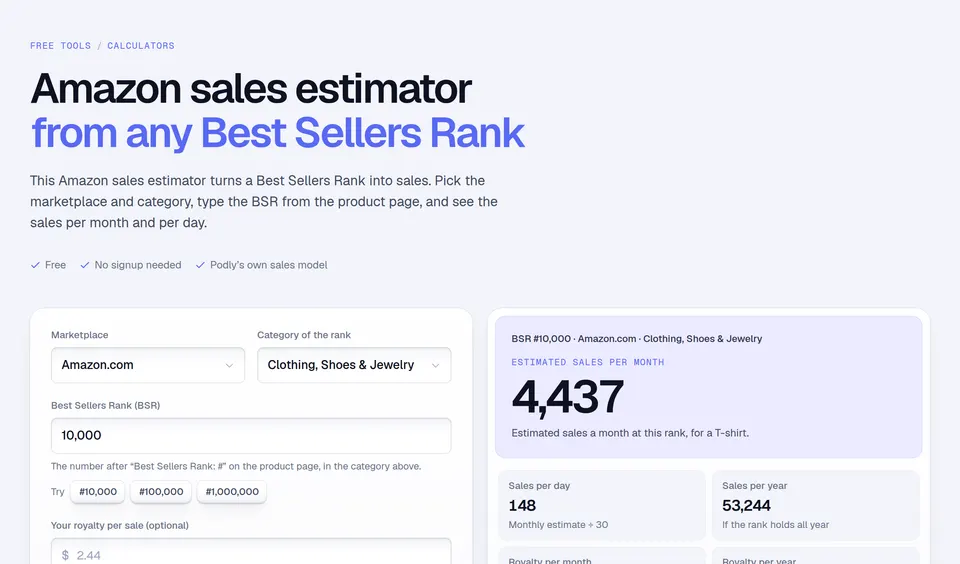
No. Amazon’s suggestions show that people search a phrase, not how often. To judge demand, look at the products that already sell for it: their Best Sellers Rank and estimated sales.

03 Is this a keyword tool for Merch by Amazon only?

It works for any Amazon search, but it is built for Merch on Demand sellers: short niche seeds, phrases to test in titles and bullets, and seven Merch marketplaces from Amazon.com to Amazon.co.jp.

04 How many searches can I do for free?

You can run up to 10 searches a minute and 40 a day, without an account. The same seed and marketplace are cached for a day, so repeating a search is instant.

05 Can I use every suggestion in my listing?

Only the ones that describe your design. Merch removes listings stuffed with unrelated keywords, and a suggestion can contain a brand or a trademark. Check phrases before you use them.

More free tools

Keep going with these free tools.

Free ebook

+1,000 Print-On-Demand niches. Free, in your inbox.

More than 1,000 hot Print-On-Demand niches, updated weekly. Discover top-selling ideas and start getting more sales. See what's in the guide.

The 1,000+ Niches That Sell ebook standing in the clouds

Keywords tell you what people search. Podly shows what sells.

Join 6,000+ Merch sellers who check Podly before they design.

Podly Merch Database