New Use Podly inside Claude and ChatGPT. Try it free →
Podly

Amazon Merch listing generator for brand, title, bullets and description

This Amazon Merch listing generator turns a short description of your design into a full Merch on Demand listing that fits the field limits and leaves out the words Amazon rejects.

  • Free
  • 3 uses without signup
  • Merch policies checked November 2026
Try an example:

3 free generations, no signup

Your Merch listing shows here

Describe your design, or try an example. You get a brand, a title, two bullets and a description, each with its own Copy key.

How the generator works

A small AI model writes the four fields from your design, niche and product. Before you see them, the text is cut to the field limits at a whole word, all-caps words are removed, and any sentence with a claim Amazon does not allow is dropped: gift suggestions, promotions, quality or shipping promises, print effects, health claims, charity and reviews. The title describes the design and leaves out product words like "t-shirt".

AI can still get a fact wrong. You are responsible for what your listing says; read it before you publish.

How to use the Merch listing generator

  1. Describe what is on the design: the image and the exact text. The listing must match the design, so this is the most important field.
  2. Add the niche or the people the design speaks to, and pick the product you are uploading.
  3. Press the button. Each field shows its length against the Merch limit.
  4. Copy each field into the Merch Create page, read it once more, and fix anything that does not match your art.

Merch on Demand field limits

  • Brand: up to 50 characters.
  • Title: up to 60 characters.
  • Bullet points: two, up to 256 characters each.
  • Description: up to 2,000 characters.

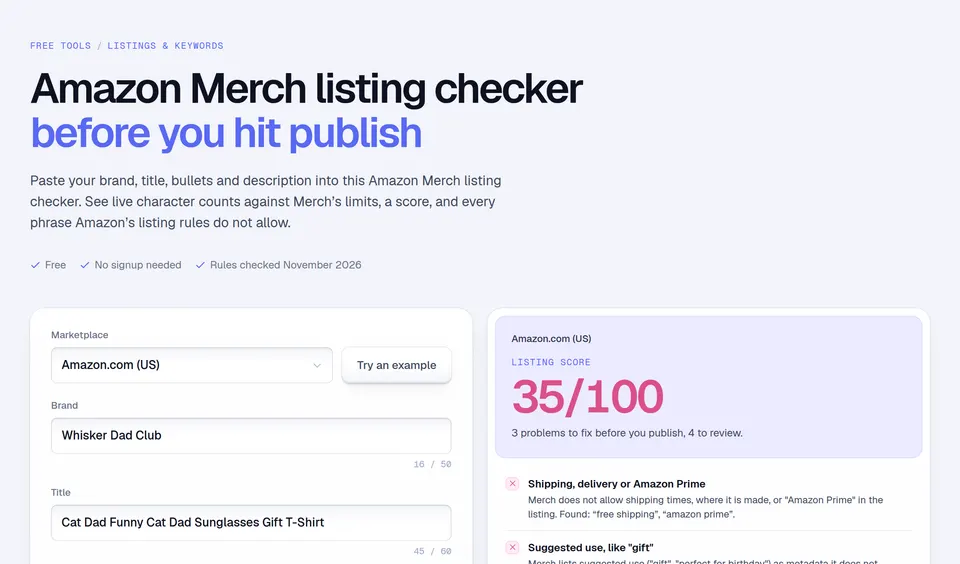
These are the limits the Merch on Demand Create page enforces as you type. That page needs a sign-in and Amazon does not publish the limits on a public page, so check them in your own account if a field refuses your text. To test a listing you wrote yourself against these limits, paste it into the Amazon Merch listing checker.

What Amazon does not allow in Merch listings

From the Guide to Merch Product Quality, the Content Policies and the Merch FAQs, checked November 2026. None of these may appear in the brand, title, bullets or description:

  • Suggested uses and promotions: "gift", "perfect for birthday", "free shipping", "best seller", "100% quality guaranteed", "new product".
  • Product, fulfillment or delivery details: shipping times, where it is made, "Amazon Prime", sizing, print quality.
  • Materials and effects the print does not have: wood, metal, glitter, leather, neon, metallic, foil, gold, glow in the dark.
  • Contact details: phone numbers, addresses, emails, website URLs.
  • Reviews and testimonials, or requests for reviews.
  • Charity claims such as "proceeds will be donated".
  • Keyword stuffing, words unrelated to the design, and tricks like "Ama-zon".
  • Intellectual property you do not own, in the design or in any text field, brand included.

A weak listing and a better one

For a sloth lifting a dumbbell with "Slow progress is still progress":

Weak title: FUNNY Sloth Gym Shirt Perfect Gift For Workout Lovers. The caps, "shirt" and "perfect gift" are all things Amazon’s rules or best practices tell you to leave out.

Better title (51 characters): Slow Progress Is Still Progress Sloth Weightlifting

Better bullet: A sleepy sloth lifting a dumbbell with the words "Slow progress is still progress", for gym beginners, slow and steady lifters and anyone who laughs at their own leg day.

The better version says exactly what is printed, names the people it speaks to, and contains the phrases a shopper would search, without promising anything about the shirt.

Before you publish

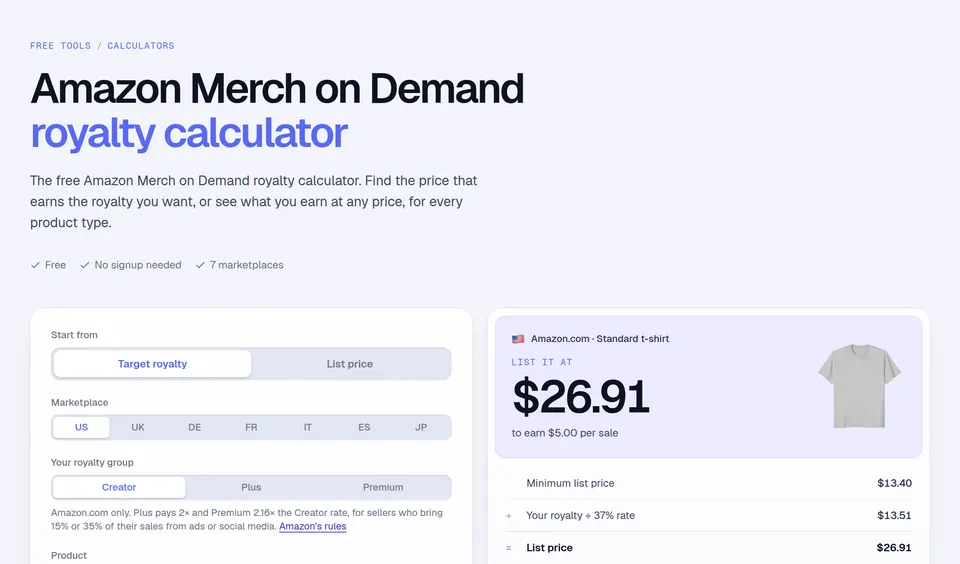
Read the listing once more next to your design, then see what each sale earns with the royalties calculator. Podly’s trademark check catches protected phrases, and AI listings in the Podly app write Merch listings straight from your design file.

Facts checked and page updated on .

Merch listing questions, answered.

Something we missed? Send us a message. A human answers.

01 Is the Amazon Merch listing generator free?

Yes. Your first 3 generations need no signup, shared across all Podly AI tools. After that, enter your email to keep generating for free, up to a daily limit.

02 What should I write in Merch bullet points?

One or two real sentences each about the design: what is printed, the exact text, and who it speaks to. The two bullets are optional, but they are space for search words. Never paste a list of keywords: Amazon treats that as keyword stuffing.

03 Can I write "great gift for dad" in my bullets?

No. Amazon’s Guide to Merch Product Quality does not allow suggested uses such as "gift" or "perfect for birthday" in the metadata. Describe the design and who it speaks to instead: "for dads who fish every weekend".

04 Why was my Merch design rejected for its listing text?

Common causes are words about the product or shipping, print effects like glitter or neon that the product does not have, promotional phrases like "best seller", and names or brands you do not own. Amazon shows the reason under the Rejected status.

05 Does it check my listing for trademarks?

No. A generated title can still contain a protected phrase. Check the brand, title and bullets with Podly’s trademark check or the USPTO before you publish.

More free tools

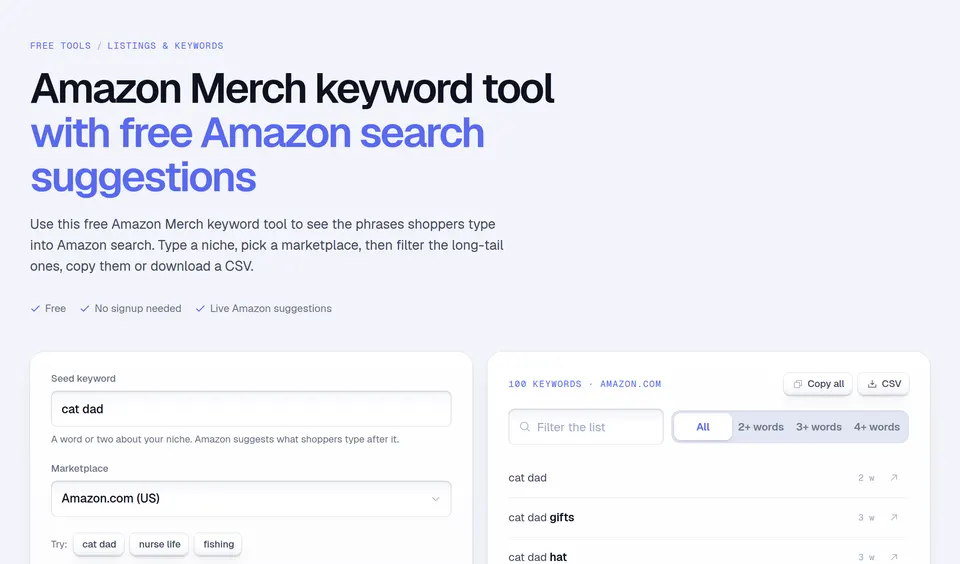
Keep going with these free tools.

Free ebook

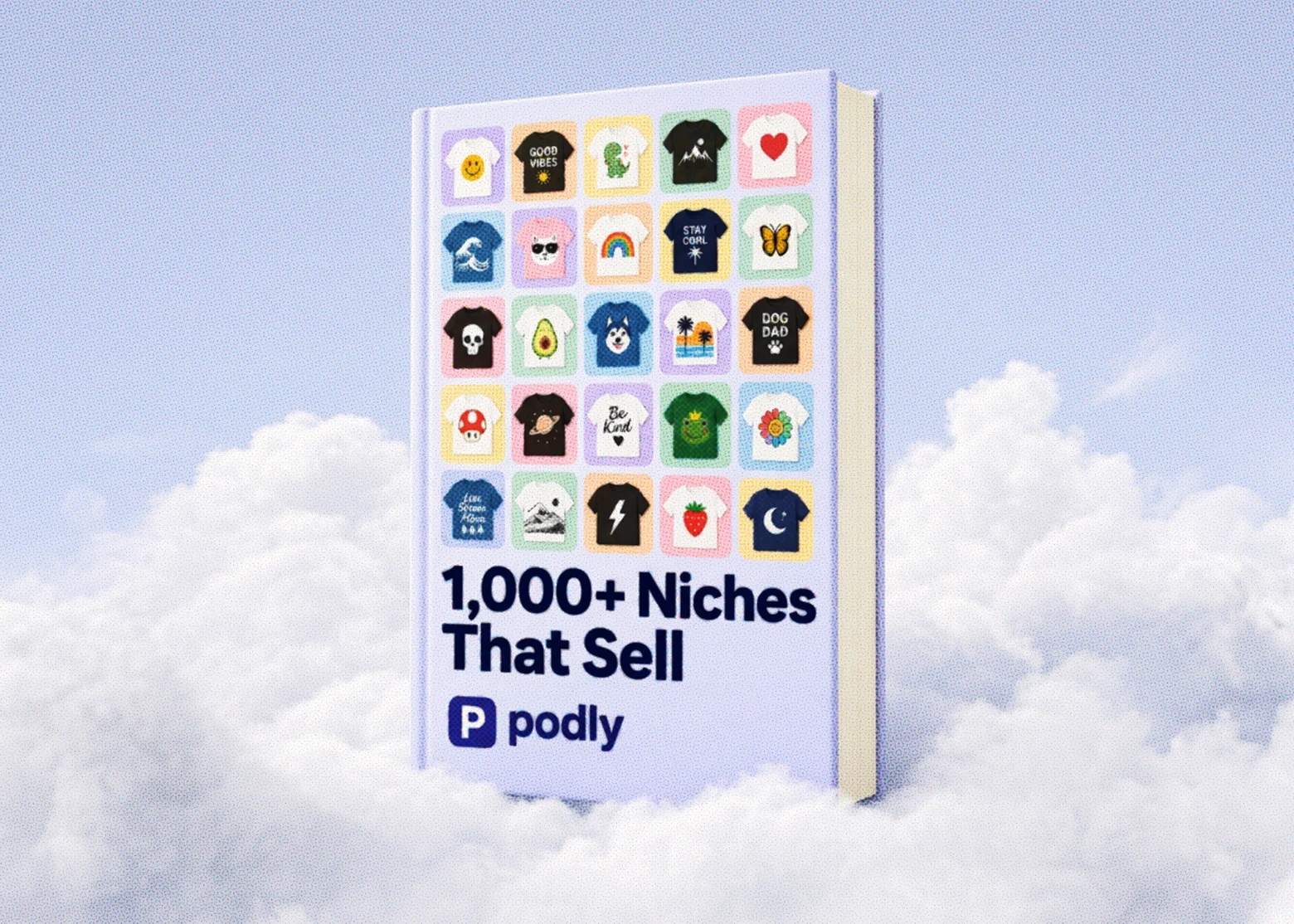
+1,000 Print-On-Demand niches. Free, in your inbox.

More than 1,000 hot Print-On-Demand niches, updated weekly. Discover top-selling ideas and start getting more sales. See what's in the guide.

The 1,000+ Niches That Sell ebook standing in the clouds

List it fast. Then upload designs that already sell.

Join 6,000+ Merch sellers who check Podly before they design.

Podly Merch Database