How to make a T-shirt mockup
- Drop your design on the upload box, or click it to choose a file. PNG with a transparent background works best.
- Pick a shirt color. Try your design on the dark and the light shirts before you choose the colors you sell.
- Drag the design to move it, use the slider to size it, and press Center to center it again. The label above the slider shows the printed size in inches.
- Click Download PNG. The mockup has a transparent background, ready for a listing or a post.
What the preview shows
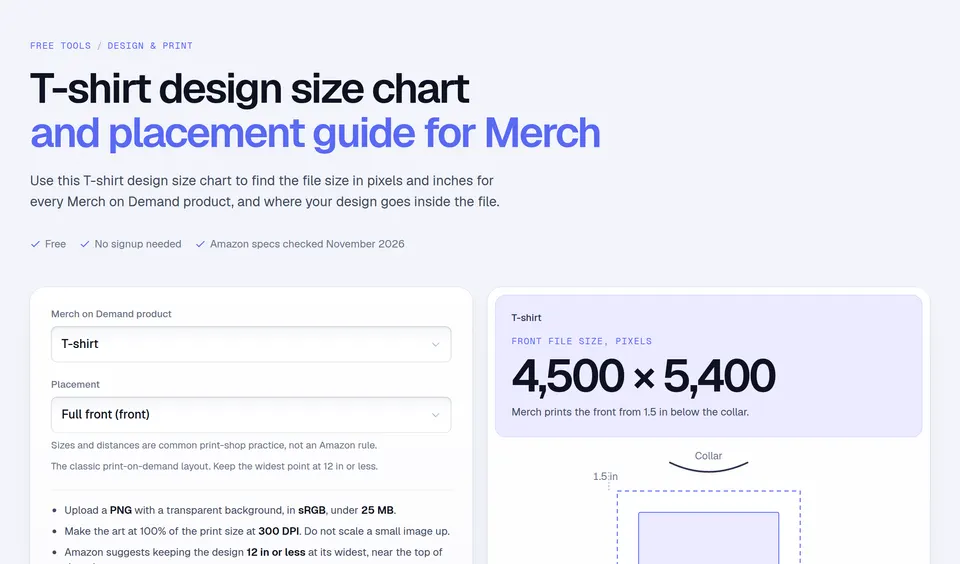
The dotted box is the Merch on Demand print area: 15 × 18 inches, which is the 4500 × 5400 pixel template at 300 DPI, starting 1.5 inches below the collar. A design cannot leave that box, just like on Amazon. Amazon recommends keeping the widest part of a design at 12 inches or less, so try the slider at 12 in before you decide.
The tool also checks contrast: it averages the colors of your design and warns when it is close to the shirt color, for example a dark gray design on a Black shirt. Merch's Best Practices warn about the same thing: colors close to the fabric can disappear or print with a hard halo. Shirt color names come from a live Merch on Demand T-shirt listing and that page, checked on November 14, 2026. The color values are our approximation.
Worked example
A 4500 × 3000 pixel slogan at full width prints 15 × 10 inches, which looks huge on a size S. At 80% on the slider it prints 12 × 8 inches, the width Amazon suggests. Placed at the top of the print area, it starts 1.5 inches below the collar: Amazon says apparel designs usually do best near the top of the print area.
Mistakes to avoid
- Only checking on white. A design that looks great on White can vanish on Black or Navy Blue. Check every color you plan to sell.
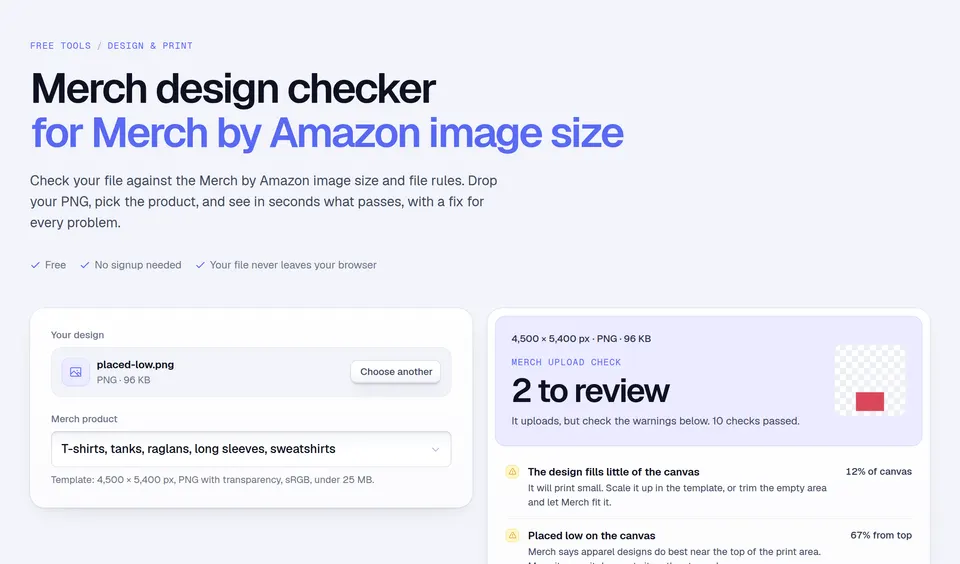
- Leaving a white background. A JPEG or a PNG without transparency prints a white box on dark shirts.
- Placing the design too low. Designs near the top of the print area usually look best on the chest.
- Thin lines on heathers. Fine detail fades on textured fabric. Make lines at least 2 pt thick.
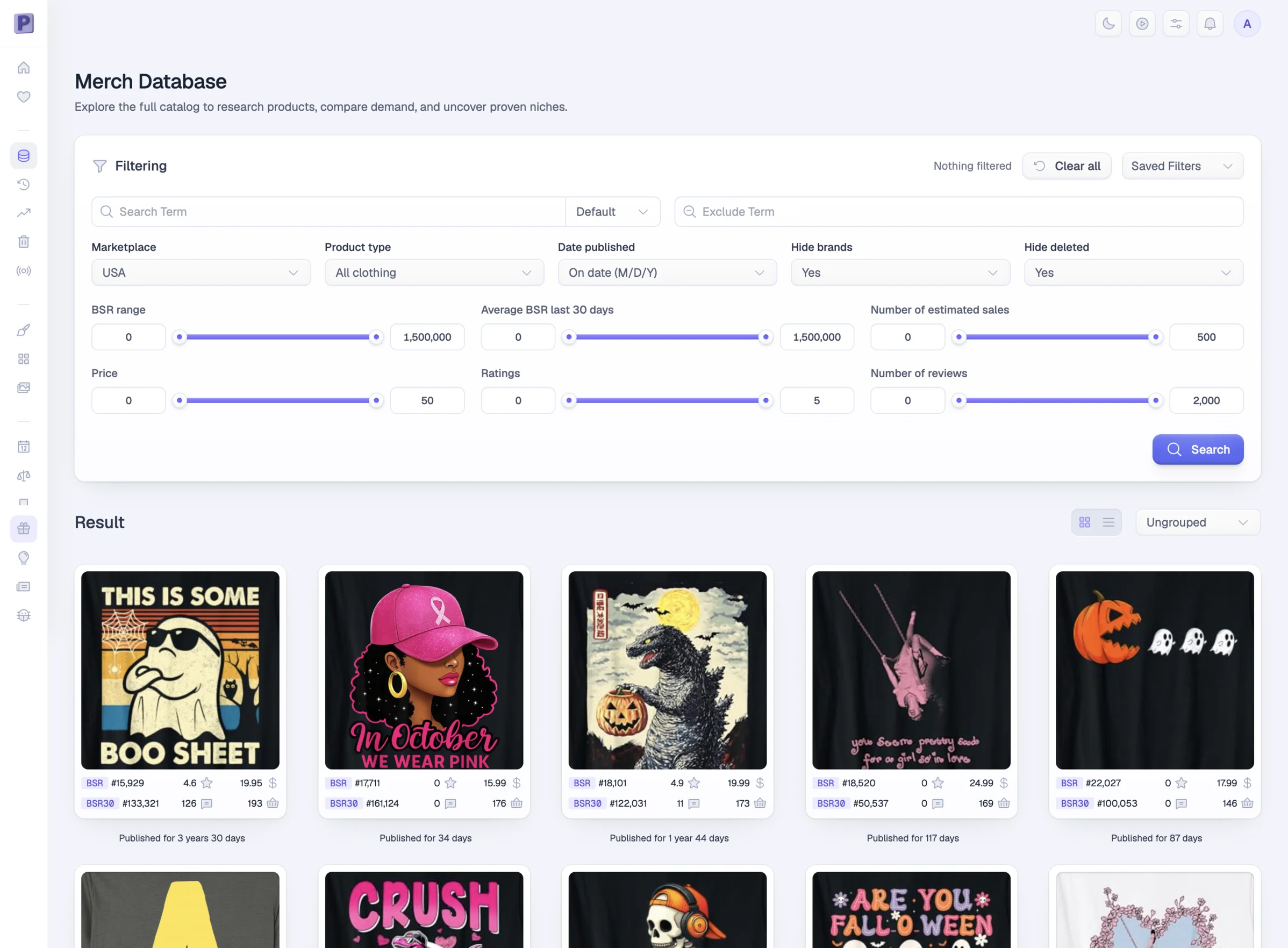
Check the exact file size for each product in the T-shirt design size chart. Then see what already sells: Podly's Merch database shows the rank and sales of millions of Merch on Demand shirts.
Facts checked and page updated on .