
Keywords or image
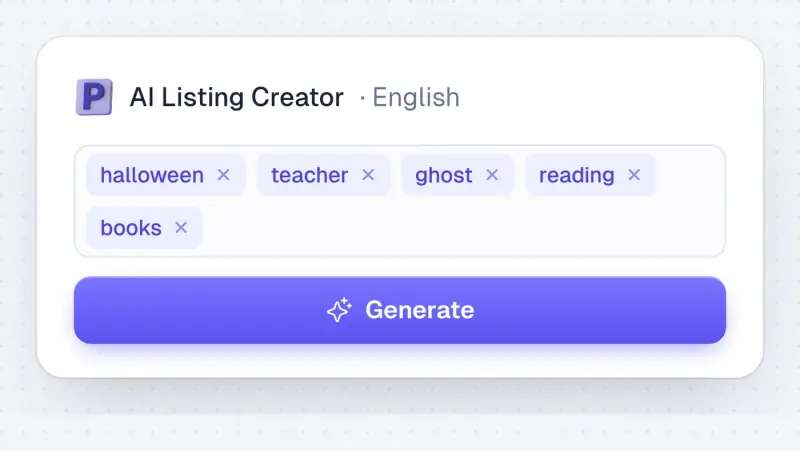
Start with a few words or the design itself.
Type a few keywords, or let the AI read your design image. Then generate the listing.

Design and list · AI Listings
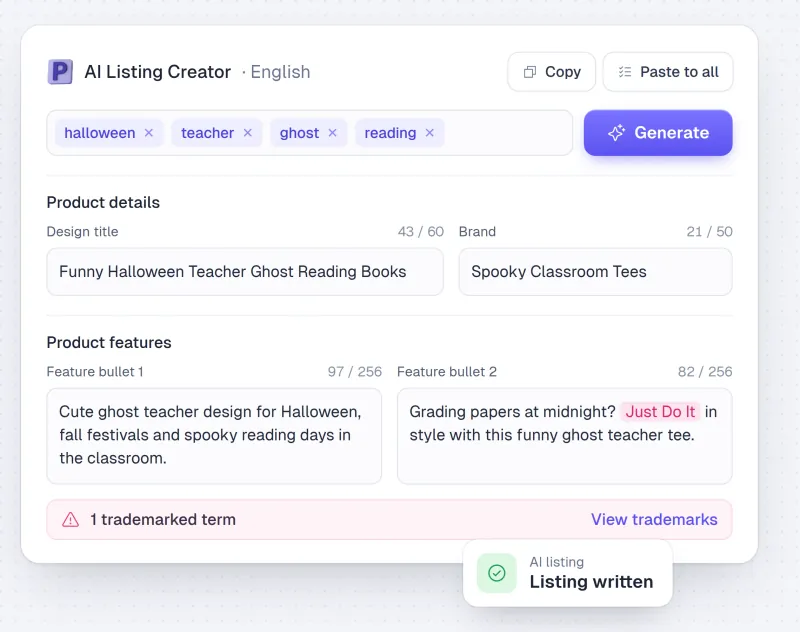
Turn a few keywords or your design into a full Merch listing: title, brand, two bullets and a description, right in the upload page.
Free Chrome extension · Free plan, no credit card
Type a few keywords, or let the AI read your design image. Then generate the listing.
Get the listing in the language of each marketplace you sell in, and paste it to all of them in one click.
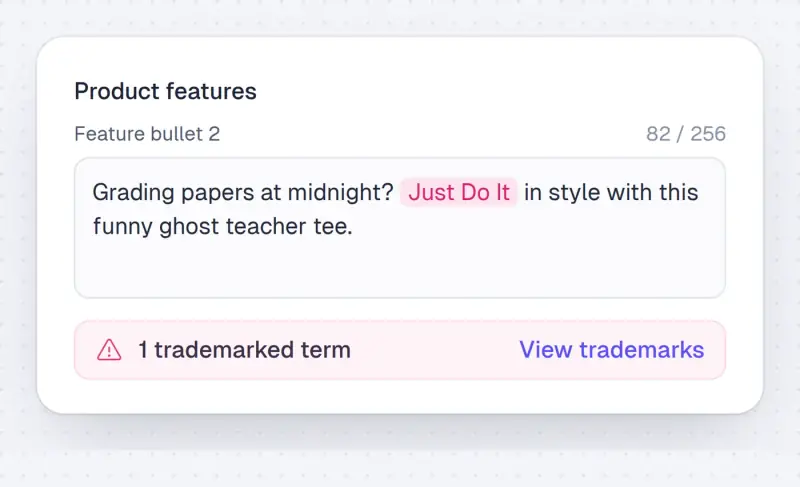
Trademarked words in the listing are flagged, so you can change them before you publish.
Questions
10 a month on Free, 1,000 on Individual, 5,000 on Business and 10,000 on Enterprise.
In the Merch by Amazon upload page, with the free Podly Chrome extension.
Yes. Edit any field before you upload. Character counts show the Merch limits for each field.
Related features
Scan your listing for trademarks in the Merch upload page.
Merch-ready designs from a prompt, a template or a best-seller.
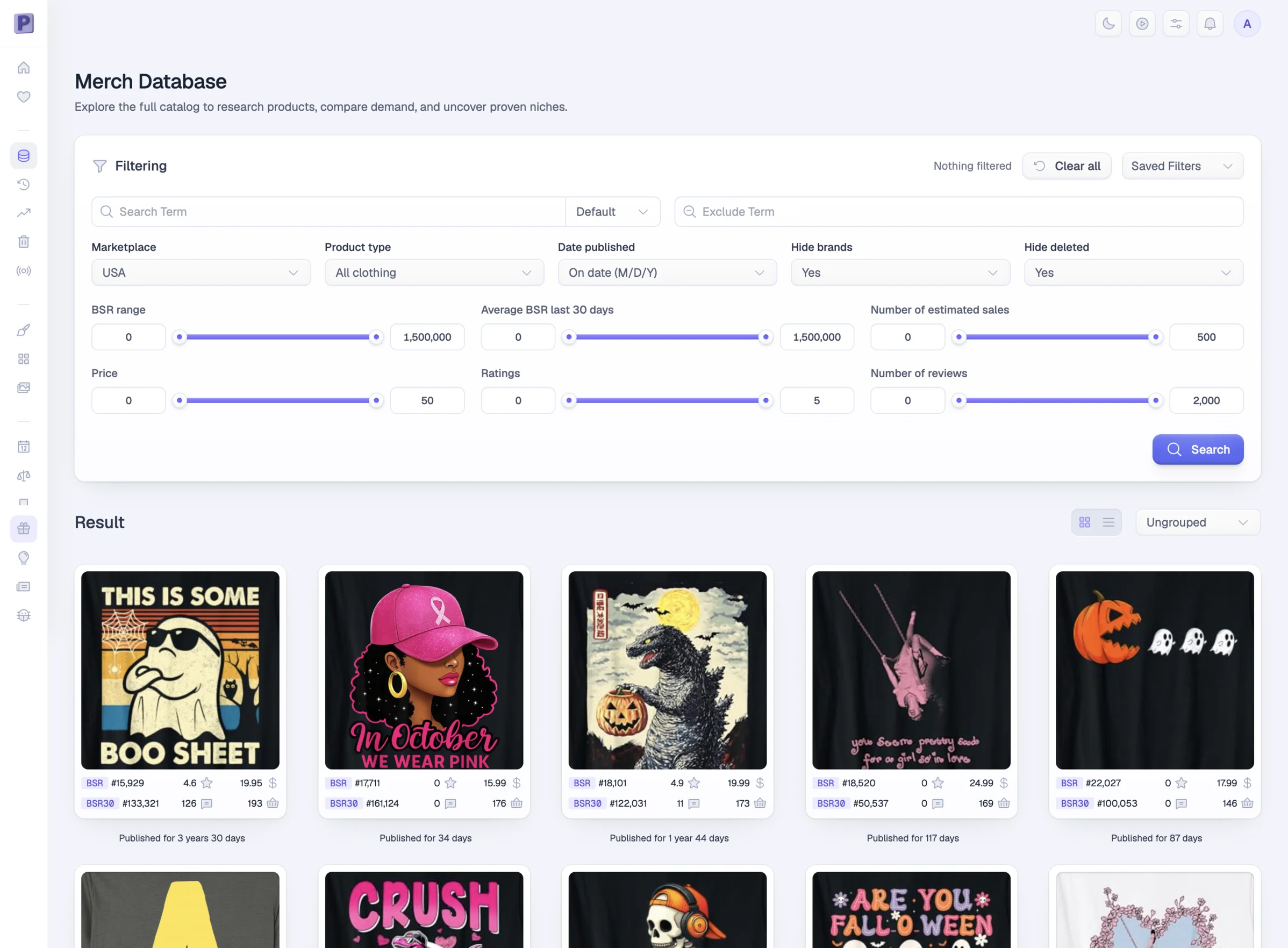
Search 50M+ Merch products by BSR, sales, price and date.
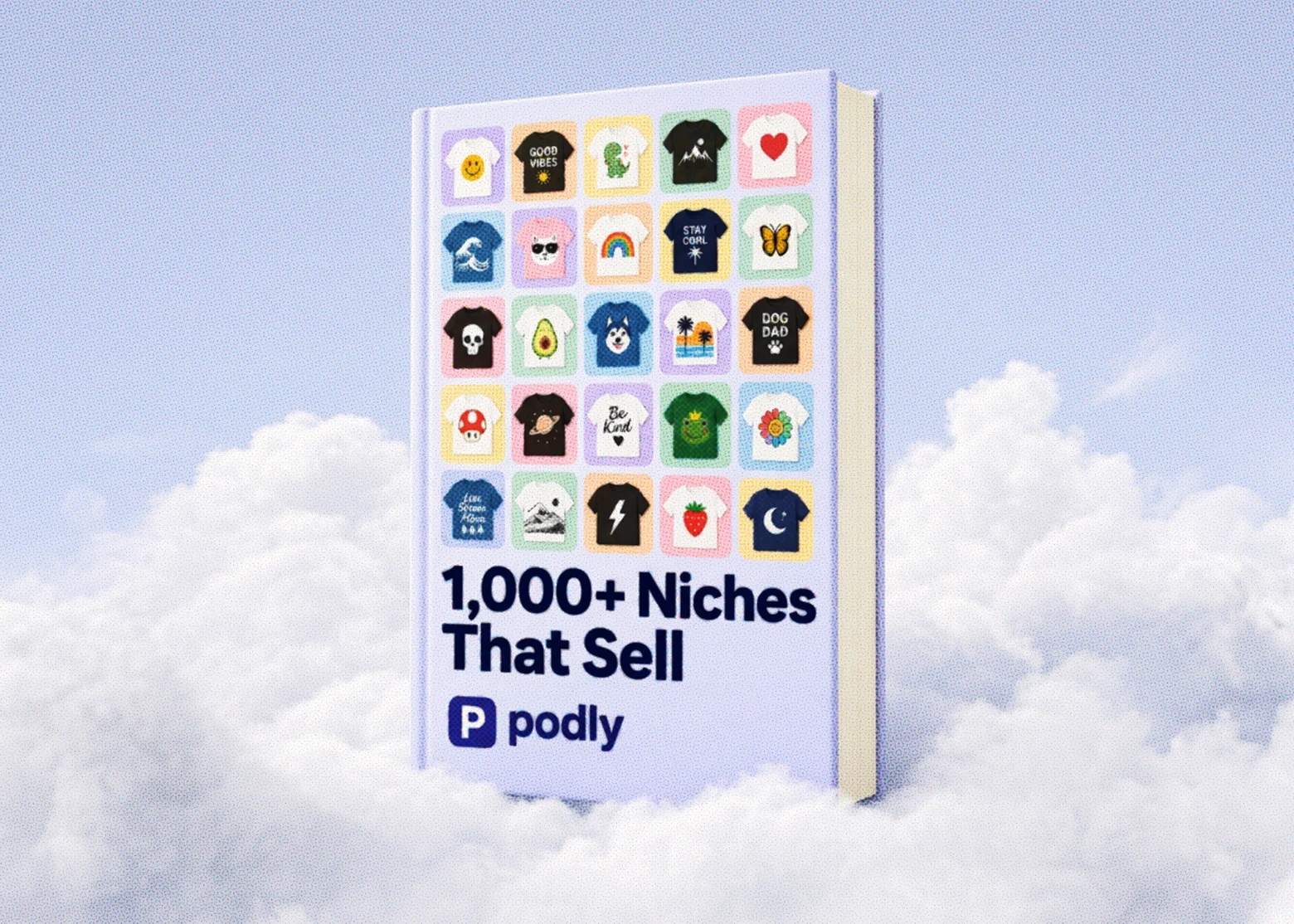
More than 1,000 hot Print-On-Demand niches, updated weekly. Discover top-selling ideas and start getting more sales. See what's in the guide.

Join 6,000+ Merch sellers who check Podly before they design.