How to use the Merch design checker
- Export your design as a PNG from Photoshop, Illustrator, Affinity, Canva or Procreate.
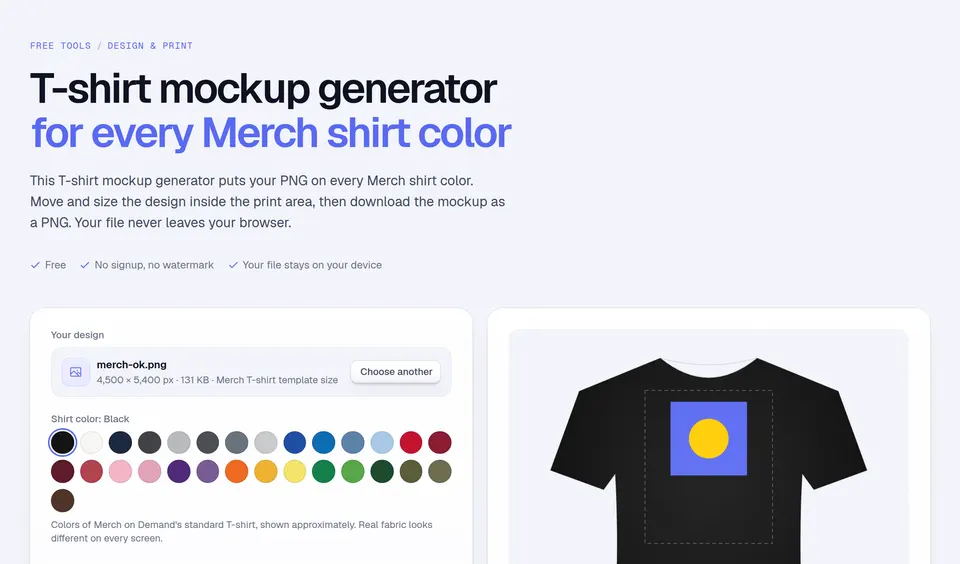
- Drop it on the box and pick the Merch product you will publish it on. T-shirts are selected by default.
- Fix every pink line: Merch refuses or removes files that fail them. Then read the yellow warnings.
- Check again until you see “Ready”, then upload it in the Merch create page.
Merch by Amazon image size and file requirements
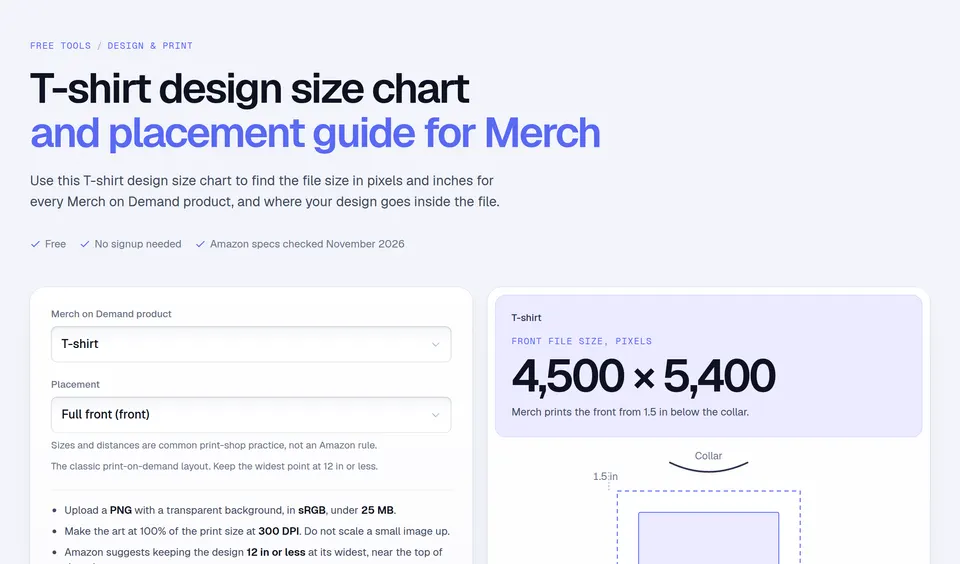
Merch on Demand asks for artwork that is a PNG with transparency, in the sRGB color space, smaller than 25 MB, created at 100% of the print size at 300 DPI, in RGB with 8 bits per channel. The uploader accepts files from 485 × 485 px. Template sizes as of November 2026:
| Product | Pixels |
|---|---|
| T-shirts, tanks, raglans, long sleeves, sweatshirts | 4,500 × 5,400 |
| Pullover and zip hoodies (back) | 4,500 × 5,400 |
| Pullover and zip hoodies (front) | 4,500 × 4,050 |
| Crop tops and crop sweatshirts | 4,500 × 4,050 |
| Youth hoodies (front) | 3,330 × 2,997 |
| Youth hoodies (back) | 3,450 × 4,140 |
| PopSockets grips | 485 × 485 |
| iPhone cases | 1,800 × 3,200 |
| Tote bags and throw pillows | 2,925 × 2,925 |
| Mugs | 2,700 × 1,050 |
| Tumblers and water bottles | 3,000 × 1,400 |
| Travel tumblers (40 oz) | 3,213 × 1,571 |
| Printed baseball and trucker hats, sun visors | 1,500 × 675 |
| Polos, quarter-zips, jackets, sport backpacks | 1,200 × 1,200 |
| Crossbody bags | 1,200 × 750 |
| Mousepads | 2,400 × 1,950 |
| Hardcover journals | 1,050 × 1,950 |
| Laptop sleeves (13") | 2,250 × 1,725 |
| Laptop sleeves (15") | 4,650 × 3,600 |
| Posters (8" × 10") | 2,100 × 2,700 |
| Posters (16" × 20") | 4,200 × 5,400 |
| Sherpa blankets (45" × 55") | 3,240 × 3,960 |
| Throw blankets (45" × 55") | 13,500 × 16,500 |
Sources: Merch on Demand’s product templates, design best practices, FAQs and the guide to Merch product quality, all checked on November 14, 2026. Merch can change them; its create page has the final word.
Worked example: a 4500 × 5400 T-shirt PNG
A design on the T-shirt template that is 2,700 px wide prints 2,700 ÷ 300 = 9 inches wide, inside Merch’s advice to keep apparel designs at 12 inches or less. If the same artwork spans the full 4,500 px, it prints 15 inches wide, which Merch says customers often find overwhelming. If the design starts 1,800 px down the canvas, a third of the way, the checker suggests moving it up: Merch says apparel designs do best near the top of the print area.
Mistakes that get Merch designs refused
- Saving as JPEG. Merch only takes PNG, and JPEG has no transparency anyway.
- Leaving the background on. A white or colored background prints as a rectangle. A single color over the whole print area is not allowed.
- Hidden or empty layers. Fully transparent artwork is a quality issue Merch removes.
- Colors close to the shirt. Dark gray on black or light designs on white barely show, and Merch lists that as disappointing content.
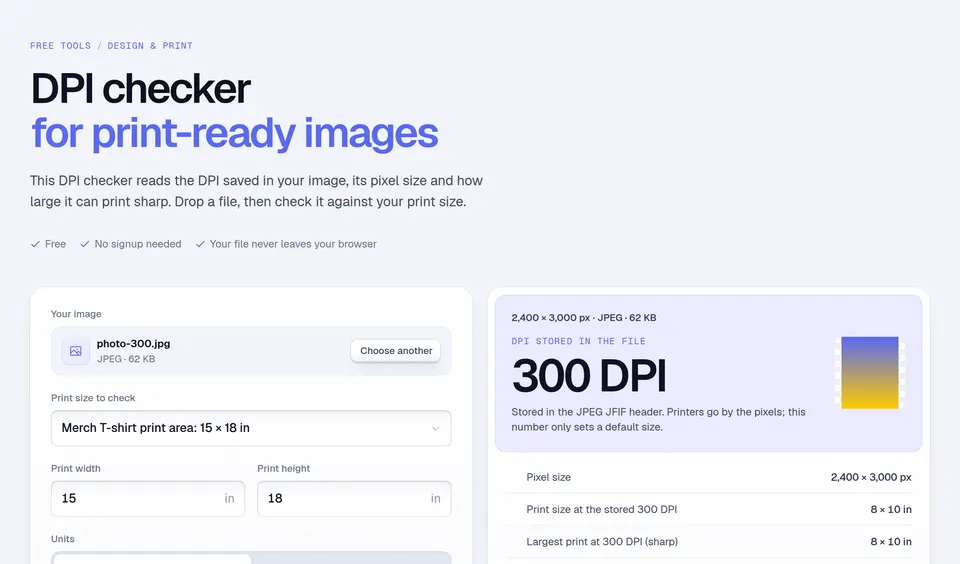
- Upscaling a small file. It stays blurry. Check the real resolution with the DPI checker.
A clean file is only half of a listing. Podly’s trademark check catches protected phrases before you upload, and the Merch royalty calculator shows what you earn at each price.
Facts checked and page updated on .