How to use the break-even ROAS calculator
- Pick Any product for Etsy, Shopify or your own store, or Amazon Merch on Demand for Merch ads.
- Any product: enter what the buyer pays, your product cost with print and shipping, and your platform fees. Merch: pick the product and list price; the royalty fills in.
- Add your target ACoS and the conversion rate from your ad reports (orders ÷ clicks).
The result shows the ROAS and ACoS where profit reaches zero, your profit at the target ACoS, and the highest bid per click that still breaks even.
ACoS vs ROAS vs TACoS
Amazon Ads defines ACoS as ad spend divided by ad revenue, and ROAS as ad revenue divided by ad spend: one is the inverse of the other. TACoS divides ad spend by all your sales, including the ones that came without ads.
Example: in a month you spend $50 on ads, the ads bring $250 in sales, and your shop sells $1,000 in total.
- ACoS: $50 ÷ $250 = 20%
- ROAS: $250 ÷ $50 = 5
- TACoS: $50 ÷ $1,000 = 5%
Amazon's own rule: to stay profitable, your ACoS must stay below your profit margin. That margin before ads is your break-even ACoS.
Worked example: a Merch t-shirt at $19.99
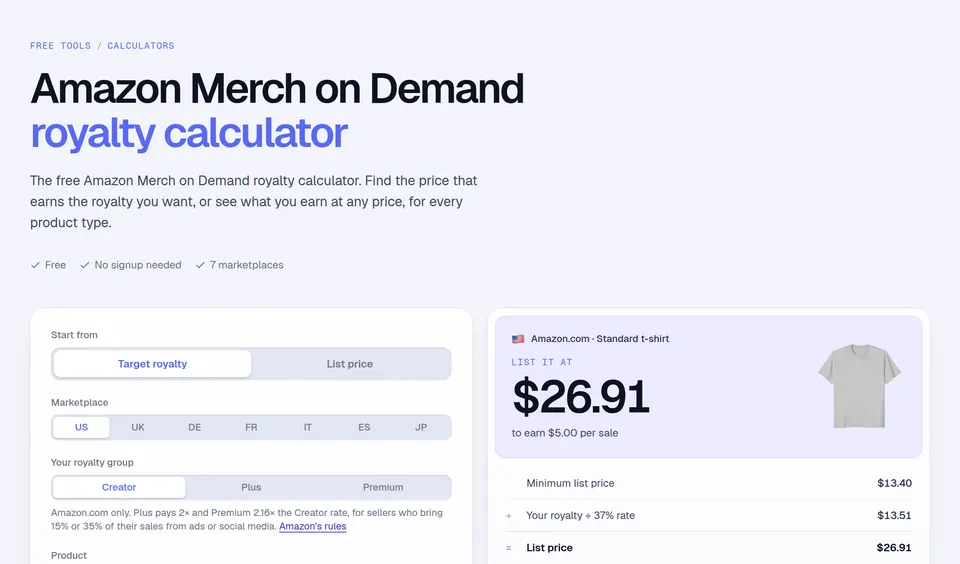
On Amazon.com, a standard t-shirt listed at $19.99 earns a $2.44 royalty in the Creator royalty group, from Amazon's Merch on Demand royalty page (checked November 14, 2026).
- Break-even ACoS: $2.44 ÷ $19.99 = 12.2%
- Break-even ROAS: $19.99 ÷ $2.44 = 8.19
- At a 10% ACoS, ads cost $2.00 per sale and you keep $0.44
- With 1 order every 10 clicks, the highest bid that breaks even is $0.24
A higher list price raises the royalty faster than the price. On the same page, the shirt at $23.99 earns $3.92, a break-even ACoS of 16.3%. That is why Merch ads have more room on higher-priced listings.
Mistakes to avoid
- Judging ads on ACoS alone. A slightly losing ACoS can still pay if ads move your best seller's rank and bring sales without ads. Watch TACoS too.
- Using the sale price before fees. Your break-even point comes from profit, not from price.
- Bidding on hope. Use your real conversion rate. A 5% rate halves the bid you can afford compared with 10%.
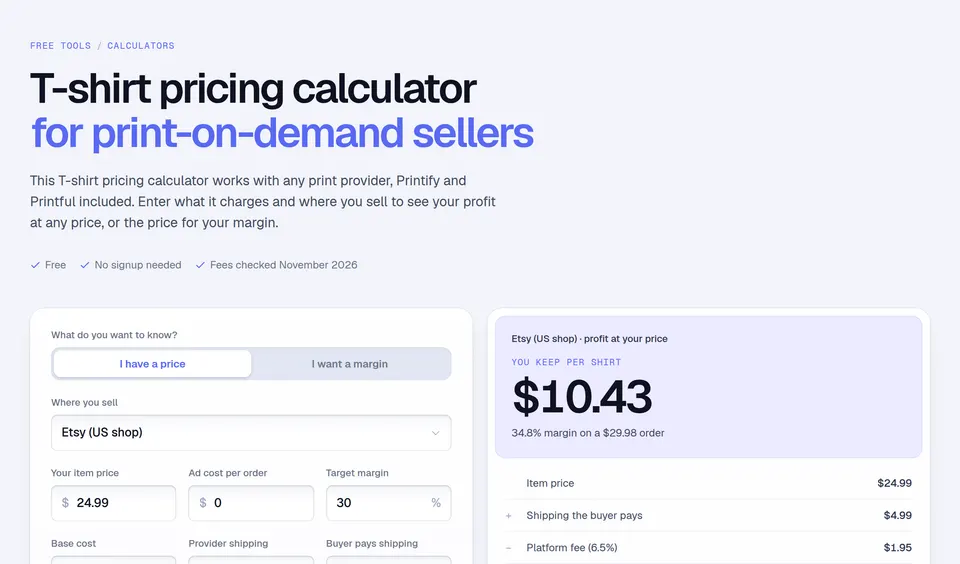
For a full plan, read our guide on how to advertise Merch by Amazon. To set the list price first, use the Merch royalty calculator, and for other channels the T-shirt pricing calculator.
Facts checked and page updated on .