How to use the DPI checker
- Drop your PNG, JPEG or WebP file on the box, or press Choose a file.
- Read the DPI stored in the file and the pixel size at the top of the result.
- Pick your print size (the Amazon Merch T-shirt print area is preset) or type your own, in inches or centimeters.
- The check line tells you if the image prints sharp at that size, and how many pixels you need if it does not.
DPI vs pixels: what really sets print quality
DPI (dots per inch, often used for PPI, pixels per inch) is how many image pixels go into one printed inch. The number saved in a file is only a label. Change it from 72 to 300 and the image keeps exactly the same pixels; only the default print size changes. What decides quality is the pixel count compared with the print size you want.
That is why this image resolution checker shows both. If no DPI is stored, nothing is wrong with the file: the print size comes from the pixels.
Worked example: a Merch on Demand T-shirt
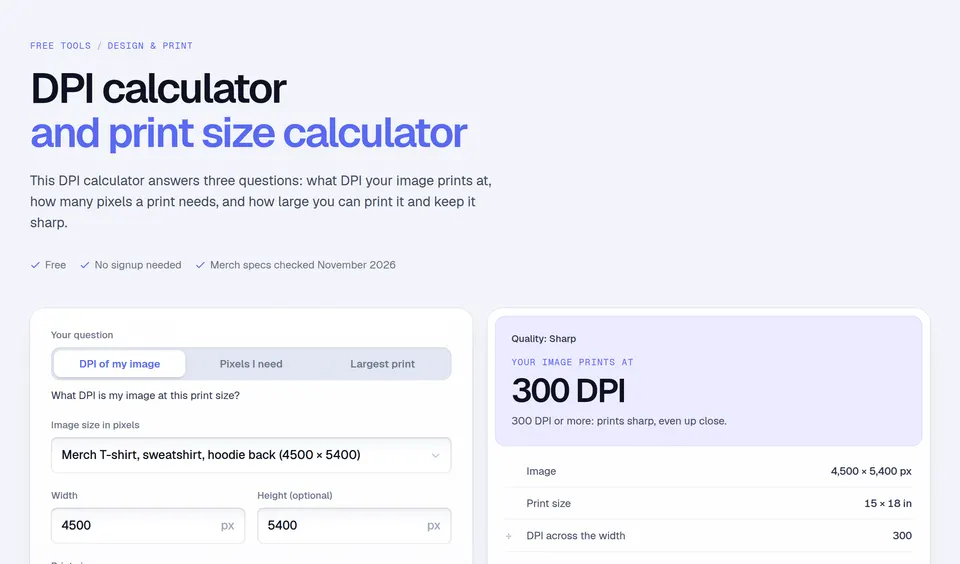
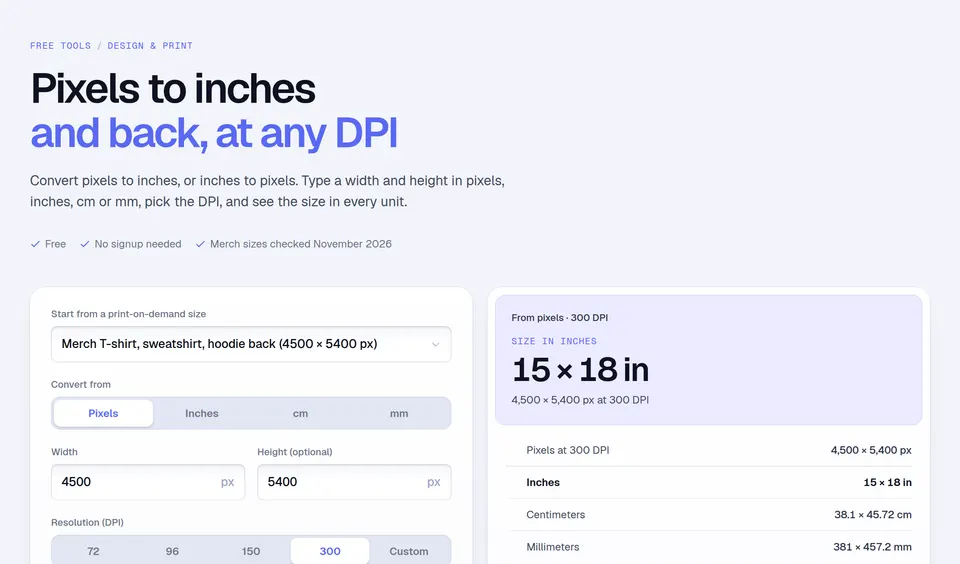
Amazon Merch on Demand asks for artwork at 100% of the print size at 300 DPI, and its T-shirt template is 4500 × 5400 px (Merch’s design best practices and product templates, checked November 14, 2026).
- 4500 px ÷ 300 = 15 in wide, 5400 px ÷ 300 = 18 in tall: the full print area at 300 DPI.
- A 2400 × 2880 px file stretched to 15 × 18 in prints at 2400 ÷ 15 = 160 DPI: fine from a distance, soft up close.
- A 1200 × 1440 px file at the same size prints at 80 DPI and will look blurry.
Mistakes to avoid
- Raising the DPI number to fix a small image. It adds no detail. Go back to the original artwork or a vector file.
- Enlarging a small image. Upscaling in an editor makes the file bigger, not sharper. Merch’s design editor also cannot make artwork bigger than you uploaded it.
- Checking a screenshot of your design. Screenshots are screen-sized. Export from your design app at the final pixel size.
- Saving a CMYK JPEG. Most print-on-demand services, Amazon Merch included, want RGB files; Merch only accepts PNG.
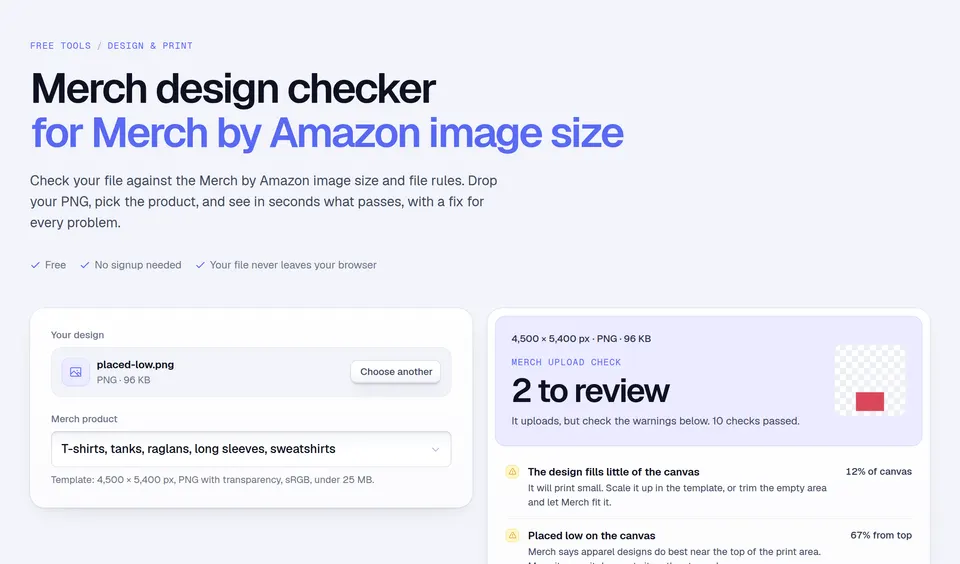
For Merch uploads, the Merch design checker runs the full list: size per product, PNG, 25 MB, transparency and placement. Before you price the shirt, the Merch royalty calculator shows what you earn per sale, and the trending T-shirt designs guide gives ideas for what to put on it.
Facts checked and page updated on .