How to convert pixels to inches
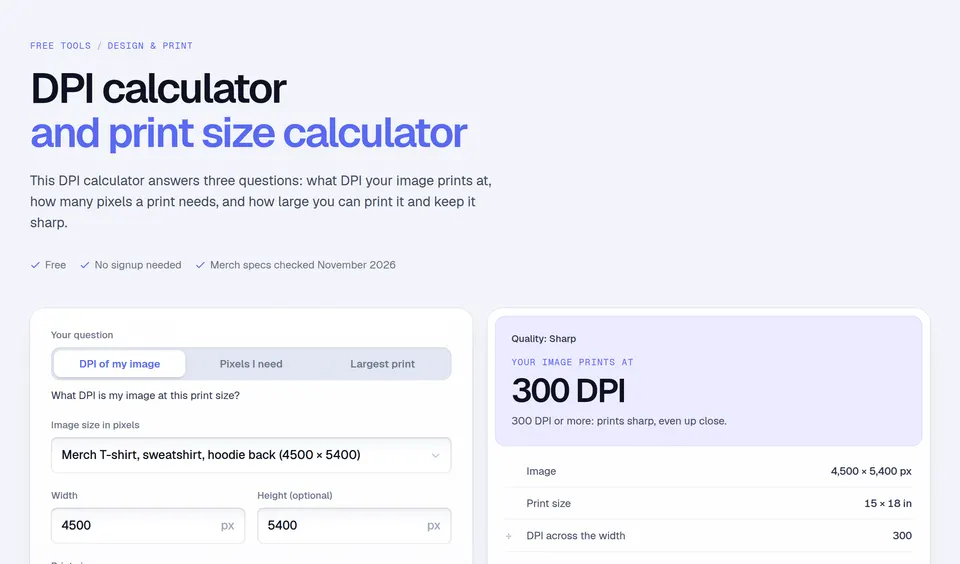
- Pick what you start from: pixels, inches, cm or mm. Switching keeps the same size and converts your numbers.
- Type the width, and the height if you want both.
- Pick the DPI: 300 for print, 150 for large prints seen from a distance, 96 or 72 for screens, or your own.
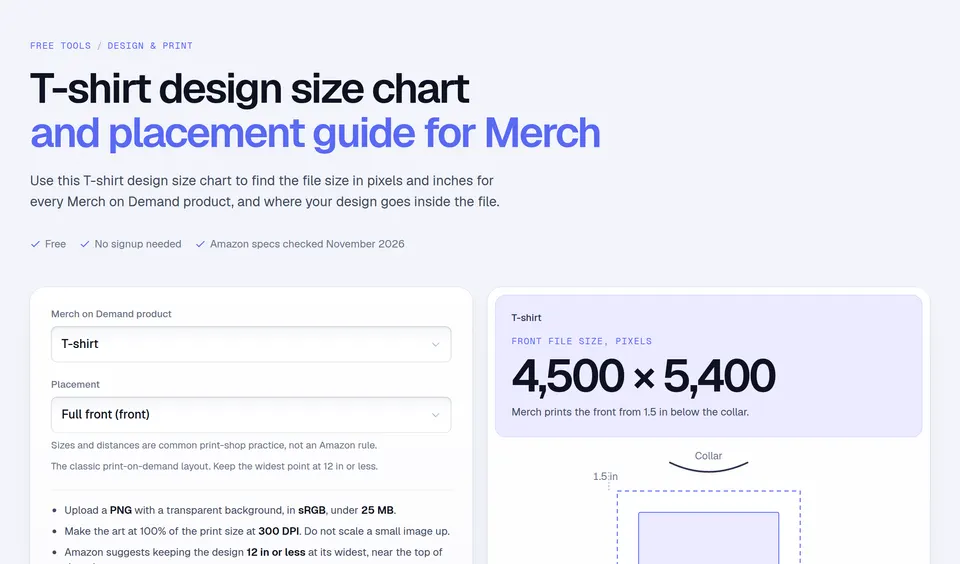
Or start from a print-on-demand size. The presets are the artwork sizes of Amazon's Merch on Demand product templates: 4500 × 5400 px for t-shirt, sweatshirt, hoodie back, 4500 × 4050 px for hoodie front, 2925 × 2925 px for tote bag, throw pillow, 2700 × 1050 px for mug, 1800 × 3200 px for iphone case, 485 × 485 px for popsockets grip.
The formula
Inches = pixels ÷ DPI, and pixels = inches × DPI. For centimeters, multiply inches by 2.54; for millimeters, by 25.4. Example: the Merch T-shirt file is 4500 × 5400 px. At 300 DPI that is 4500 ÷ 300 = 15 inches wide and 5400 ÷ 300 = 18 inches tall, or 38.1 × 45.72 cm.
Amazon's Merch design best practices ask you to "create the files at 100% of the print dimensions at 300 DPI", and note that while you can use the full 15-inch width, keeping your design to 12 inches or less centers better on the shirt. On screens, the CSS standard fixes 1 inch at 96 pixels.
Pixels to inches at 96 and 300 DPI
| Pixels | Inches at 96 DPI | Inches at 300 DPI | cm at 300 DPI |
|---|---|---|---|
| 100 px | 1.04 in | 0.33 in | 0.85 cm |
| 300 px | 3.13 in | 1 in | 2.54 cm |
| 500 px | 5.21 in | 1.67 in | 4.23 cm |
| 600 px | 6.25 in | 2 in | 5.08 cm |
| 800 px | 8.33 in | 2.67 in | 6.77 cm |
| 1,000 px | 10.42 in | 3.33 in | 8.47 cm |
| 1,080 px | 11.25 in | 3.6 in | 9.14 cm |
| 1,200 px | 12.5 in | 4 in | 10.16 cm |
| 1,500 px | 15.63 in | 5 in | 12.7 cm |
| 1,920 px | 20 in | 6.4 in | 16.26 cm |
| 2,400 px | 25 in | 8 in | 20.32 cm |
| 3,000 px | 31.25 in | 10 in | 25.4 cm |
| 3,600 px | 37.5 in | 12 in | 30.48 cm |
| 4,500 px | 46.88 in | 15 in | 38.1 cm |
| 5,400 px | 56.25 in | 18 in | 45.72 cm |
Inches to pixels at 96 and 300 DPI
| Inches | cm | Pixels at 96 DPI | Pixels at 300 DPI |
|---|---|---|---|
| 0.5 in | 1.27 cm | 48 px | 150 px |
| 1 in | 2.54 cm | 96 px | 300 px |
| 2 in | 5.08 cm | 192 px | 600 px |
| 3 in | 7.62 cm | 288 px | 900 px |
| 4 in | 10.16 cm | 384 px | 1,200 px |
| 5 in | 12.7 cm | 480 px | 1,500 px |
| 6 in | 15.24 cm | 576 px | 1,800 px |
| 8 in | 20.32 cm | 768 px | 2,400 px |
| 8.5 in | 21.59 cm | 816 px | 2,550 px |
| 10 in | 25.4 cm | 960 px | 3,000 px |
| 11 in | 27.94 cm | 1,056 px | 3,300 px |
| 12 in | 30.48 cm | 1,152 px | 3,600 px |
| 15 in | 38.1 cm | 1,440 px | 4,500 px |
| 18 in | 45.72 cm | 1,728 px | 5,400 px |
| 24 in | 60.96 cm | 2,304 px | 7,200 px |
Mistakes to avoid
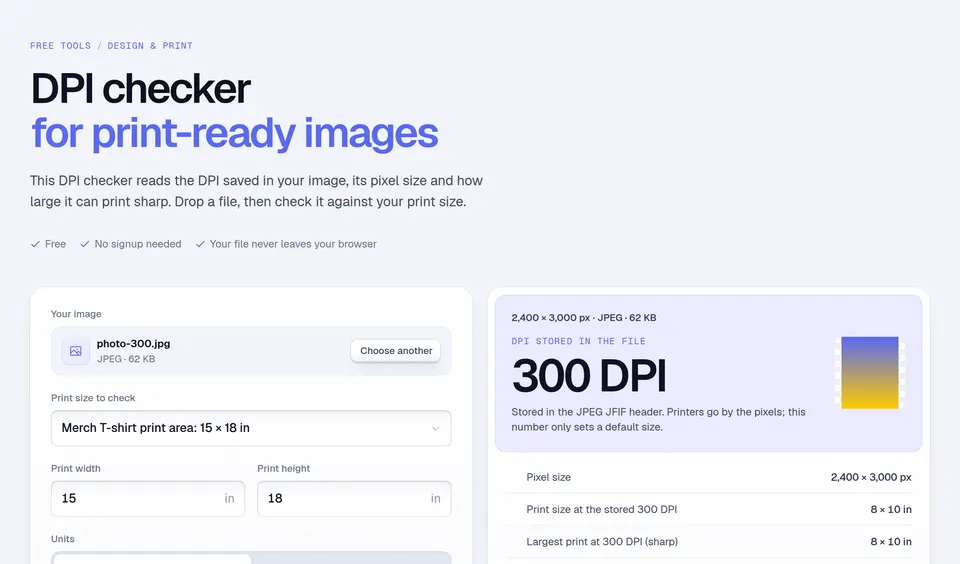
- Changing the DPI to make a file "print quality". A 1000 px image set to 300 DPI is still 1000 px: it prints at 3.33 inches. You need more pixels to print bigger.
- Upscaling a small file. Stretching pixels makes a soft print. Start your design at the full template size.
- Mixing screen and print sizes. 96 DPI is for screens. A 1920 px wide image is 20 inches on a screen but only 6.4 inches at 300 DPI.
To check whether an image is sharp enough for a print size, use the DPI calculator. To skip the sizing, Podly Design turns a prompt, a template or a best-seller into a Merch-ready 4500 × 5400 PNG.
Facts checked and page updated on .